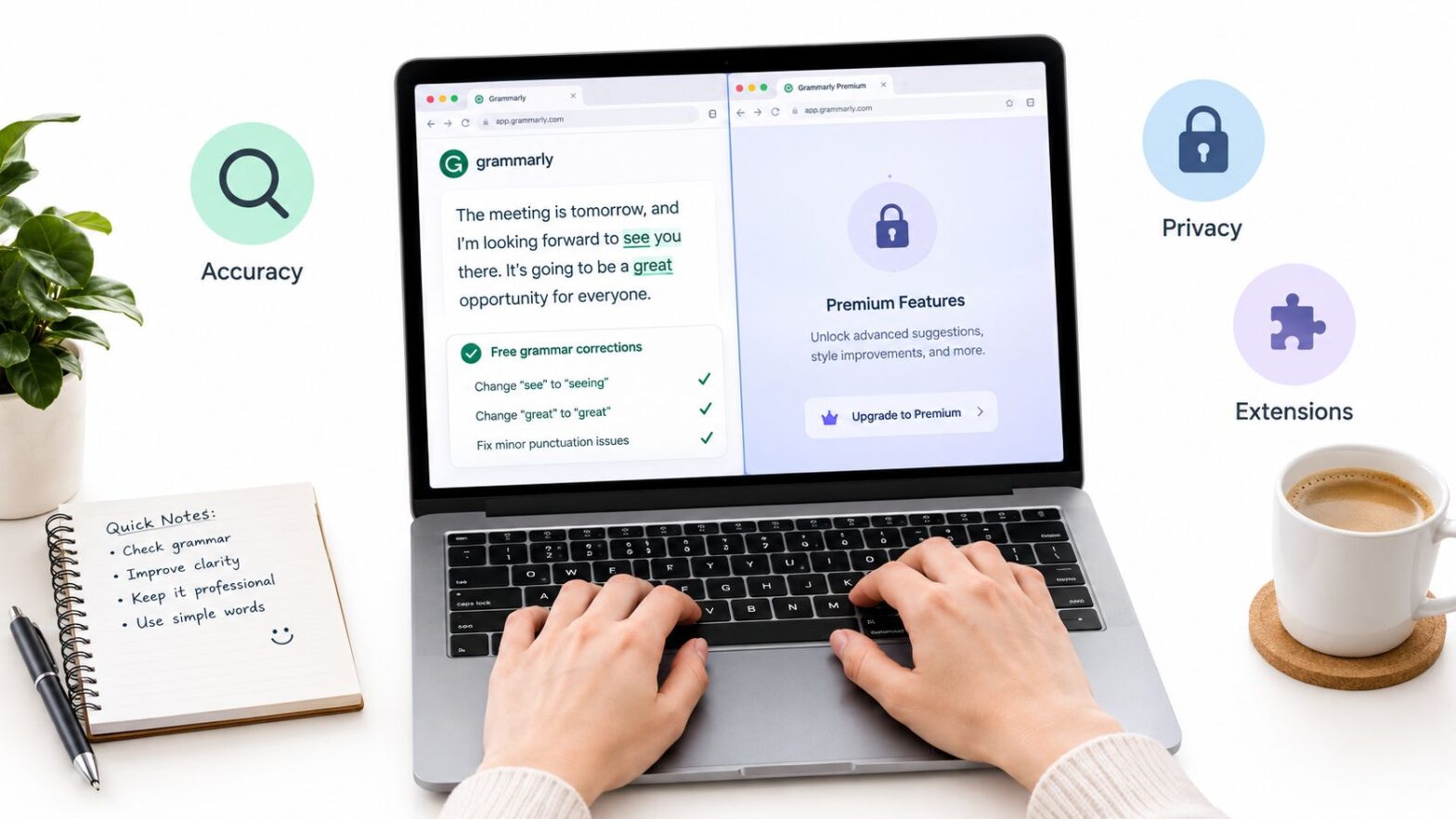
A blogger can paste a finished draft into a free grammar checker online, accept the obvious fixes, and then hit the wall where the tool asks for an upgrade to show the rest. That's the normal free-tier pattern. Across these tools, the free plan usually handles basic grammar and spelling, while full rewrites, plagiarism checks, and deeper style reports are where paid plans start. The exact difference comes down to four things, accuracy scope, browser coverage, privacy handling, and free-plan limits.
That means the best choice isn't the flashiest interface. It's the one that fits the draft in front of you. A blogger, student, customer-support writer, and multilingual editor don't need the same tool, even if they all search for the same phrase. The comparison below keeps that practical. I'm looking at what each free tier does well, where it stops, and which writing situation makes it worth opening in the first place.
Table of Contents
- 1. Grammarly
- 2. LanguageTool
- 3. QuillBot Grammar Checker
- 4. ProWritingAid
- 5. Ginger
- 6. Hemingway Editor
- 7. Sapling
- 8. Reverso Grammar & Spell Checker
- 9. Scribens
- 10. Slick Write
- Top 10 Free Online Grammar Checkers Compared
- Matching a Free Checker to Your Next Draft
1. Grammarly
Grammarly feels like the default starting point for many writers because it stays close to the text as you work. It offers real-time grammar and spelling correction, tone insights, and apps across browser, desktop, and mobile, so it fits everyday writing wherever that happens. Its public product page is here, Grammarly, and the experience is polished enough that new users usually understand it fast.

Best for fast cleanup before publishing
For a blog post, Grammarly is strongest when you want quick mechanical fixes before a human pass. That matches how grammar automation has evolved from simple pattern matching toward context-sensitive checking, which is why modern checkers can spot agreement and fluency issues rather than only spelling slips, as described in the history of grammar-checking systems from Bell Labs through Microsoft's later neural checker work (Cambridge overview of grammar-checking development).
Practical rule: Use Grammarly for the obvious surface errors first, then read the sentence aloud before you accept a rewrite.
Its free tier is enough for basic correction, but the boundaries show up quickly. Full-sentence rewrites, plagiarism checks, and deeper style features sit behind a paid plan, so the free version works best as a first-pass editor rather than a substitute for line editing. If you publish on WordPress, pair it with a content workflow like how to create a WordPress blog and keep the tool focused on cleanup, not final approval. For a deeper look at the mechanics, see how AI grammar correction works.
2. LanguageTool
LanguageTool makes the strongest case for writers who don't live in one language all the time. It supports more than 30 languages, offers a web editor, and also has desktop and mobile apps, so it suits multilingual drafts, mixed-language notes, and international teams. The website is LanguageTool, and its broad coverage is the main reason many writers keep it in rotation.
The free tier works well for everyday corrections, especially when you're writing outside standard American English. That matters because grammar checkers often behave as if standard usage is the only valid target, yet multilingual and dialect-sensitive writing needs a tool that can at least keep up with the language in front of it.
When multilingual writing matters more than bells and whistles
LanguageTool is strongest when the draft needs basic correctness across languages rather than fancy rewriting. It also has open-source roots, which gives it a different feel from the fully commercial assistants in this list. The trade-off is that some browser-extension features are restricted for free users, and more checks plus integrations require Premium.
For day-to-day use, the free web editor is the simplest path. If you need API access, that's where the limits become more visible, because usage is bounded. The practical fit is clear, though. It's the better free choice for writers who move between languages, or for teams that care more about correction coverage than brand-name polish.
3. QuillBot Grammar Checker
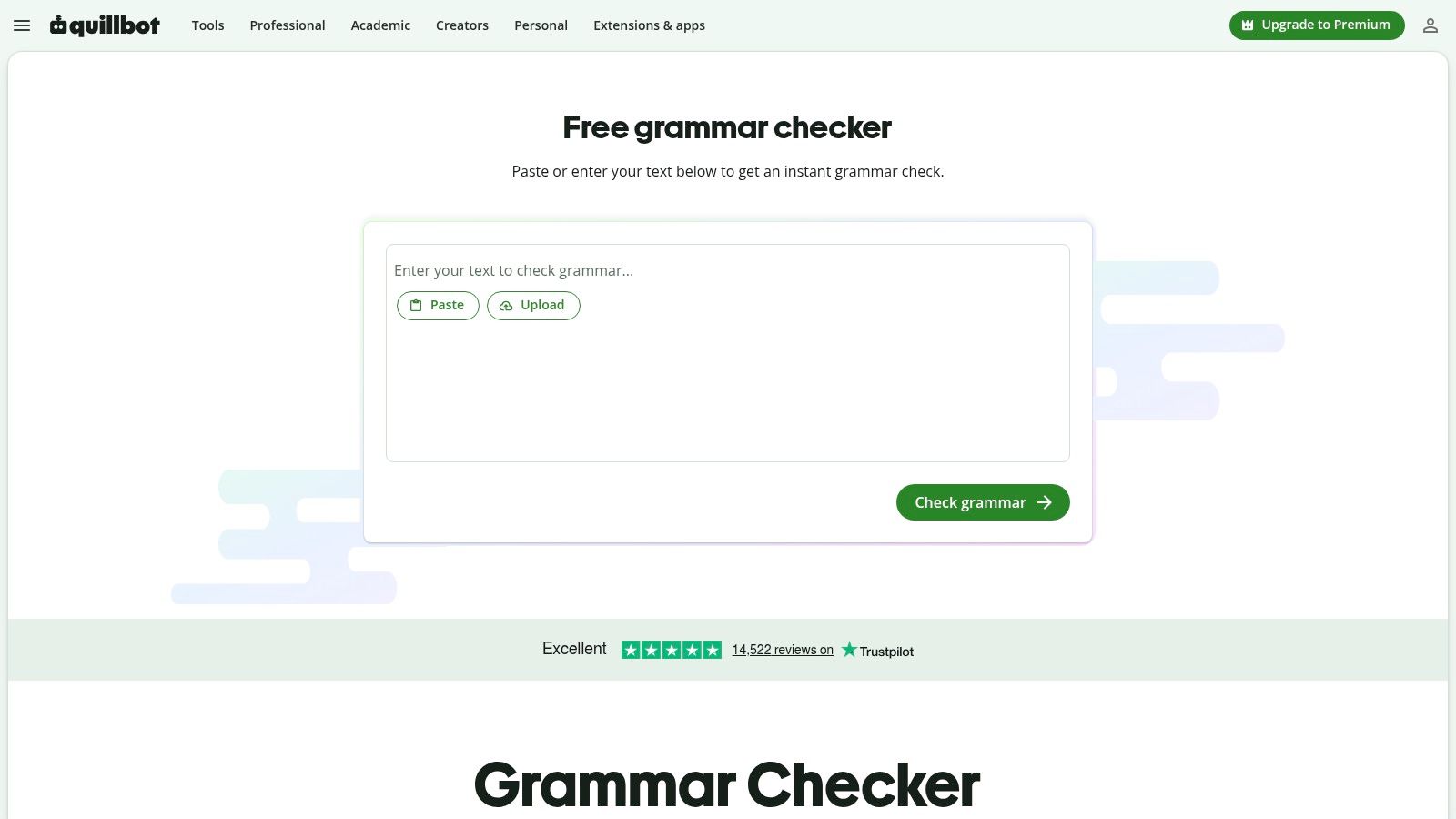
QuillBot's grammar checker is built for speed. It's web-based, it doesn't require signup for the checker itself, and it sits inside a wider ecosystem that includes paraphrasing, summarizing, and citation tools. The product page is QuillBot Grammar Checker. For writers who want a quick correction pass and then a rewrite in the same place, that convenience matters.
The free checker handles grammar, spelling, and punctuation, which is enough for many short drafts and blog paragraphs. It's also easy to move from checking to rewriting because the surrounding tools live in the same interface. That makes it especially handy when the problem isn't just a typo, but a sentence that needs rephrasing without opening three different tabs.
Good for quick edits, not deep rewriting
QuillBot works best when the draft already has the right meaning and only needs cleanup. Its free version doesn't give you the deeper rewrite power or higher usage caps that Premium provides, and plagiarism checking is paid. So the free tier is practical, but it's not the whole package.
If your workflow includes citations or paraphrase cleanup, QuillBot can save time because the pieces sit together. If you only need a strict proofreading pass, it may feel like more tool than you need. That's the right kind of problem, though. It means the free tier is generous enough to be useful, but still clearly separated from the paid layer.
4. ProWritingAid
ProWritingAid is the most editor-like tool in this group. It goes beyond grammar and spelling into style analysis, which makes it useful for long-form writers who want to understand why a draft feels heavy, repetitive, or uneven. The site is ProWritingAid, and its free plan includes the Grammar Checker plus limited daily reports.

What sets it apart is the diagnostic layer. If your draft is long, the reports help you spot structural habits rather than isolated mistakes. That's why it appeals to authors and editors who want more than a red underline. The free plan, though, keeps the reports limited, and the extensions plus desktop apps are paid, so you only get a slice of the full environment.
Strong for long drafts, less generous for frequent use
If you draft essays, articles, or chapters, ProWritingAid can expose patterns that basic checkers miss. It's especially useful when you're revising a piece for flow, not just grammar. The drawback is obvious once you use it regularly. The free plan is restrictive, and the paid tier is where the best value lives.
For WordPress publishers, the better habit is to use the free reports as a diagnostics pass and then finish the edit elsewhere, especially if you're building out a content site like the one described in Read More Info's blog. That keeps the tool in its best lane, which is analysis rather than automatic correction. It's a strong fit for writers who want feedback they can study, not just suggestions they can accept.
5. Ginger
Ginger has been around long enough that many ESL and EFL writers already know its name. It offers grammar and spelling checks, contextual corrections, a web proofreading page, and browser extensions. The product page is Ginger Grammar Checker. The free use can help with basic correction, especially when the writer wants simple pasted-text checking.
The tool's selling point is context-aware suggestions. That matters because many grammar checkers handle only surface errors well. Ginger tries to go a little further by reading the sentence around the mistake, which can help when the wrong word is technically spelled correctly but still wrong in context.
The right test is not whether the tool flags something. It's whether the suggestion still sounds like your sentence after the correction.
Best for learners who want a simple online pass
Ginger is useful when the goal is to catch obvious grammar and spelling issues without a steep learning curve. Its web proofreading page is easy to use, and the browser extensions make it accessible during regular writing. The catch is that free use is limited, unlimited corrections need a subscription, and the advanced tools are also paid.
That makes Ginger a decent free checker for short texts and language learners, but not the best choice if you need repeated, high-volume editing. It works as a helper. It doesn't try to replace a serious editor, and that's probably the right boundary.
6. Hemingway Editor
Hemingway Editor is not a full grammar checker, and that's exactly why some writers prefer it. It focuses on readability, not exhaustive correction, and it highlights hard-to-read sentences, passive voice, and adverbs. The web editor is free and doesn't require login, with more features available in Editor Plus. The site is Hemingway Editor.

That makes Hemingway a better second-pass tool than a first-line checker. If another grammar tool already caught the mechanical issues, Hemingway helps you see where the prose gets dense or passive. It's especially handy before publishing, when the question shifts from “Is this correct?” to “Is this easy to read?”
Use it to simplify, not to proofread
For blog posts, Hemingway works well when a paragraph has too much weight. It can reveal the sentences that need trimming before the piece goes live. It's also the one tool here that encourages a stylistic review without pretending to be a complete grammar engine.
If you publish to a site that depends on scannable page structure, the readability pass matters as much as the correction pass. That's why a layout reference like best WordPress blog layouts pairs naturally with Hemingway's goal. The limits are clear, though. It has fewer integrations than dedicated grammar suites, and if you need deep correction, you'll need another checker beside it.
7. Sapling
Sapling sits closer to business writing than casual blogging. It offers AI grammar and spelling checks, autocomplete, browser plugins, and a free webpage grammar check that works without signup. The site is Sapling Grammar Check. Its tone is quick and practical, which suits customer support, sales messages, and other professional writing where speed matters.

Better for business replies than long-form prose
Sapling's free page is useful because it gives you a fast correction pass without asking for an account. The business orientation shows up in the product design, especially through autocomplete and plugin support. That can be valuable if your writing happens inside email or support systems more than in a long-form editor.
The free tier is still a partial experience. Advanced suggestions and team governance are paid, and that tells you where the product is aimed. It's built for teams that want consistent messaging, not just writers who need a one-off spellcheck.
For solo bloggers, Sapling is usually a secondary tool. For sales or support teams, it can be a practical free checkpoint before a message leaves the inbox. The trade-off is that its strength is specificity, not breadth.
8. Reverso Grammar & Spell Checker
Reverso stands out because grammar is only one part of what it offers. It combines grammar and spelling correction with contextual dictionaries, translation tools, and mobile apps, so it's especially useful for language learners and people writing across languages. The checker is here, Reverso Grammar & Spell Checker.
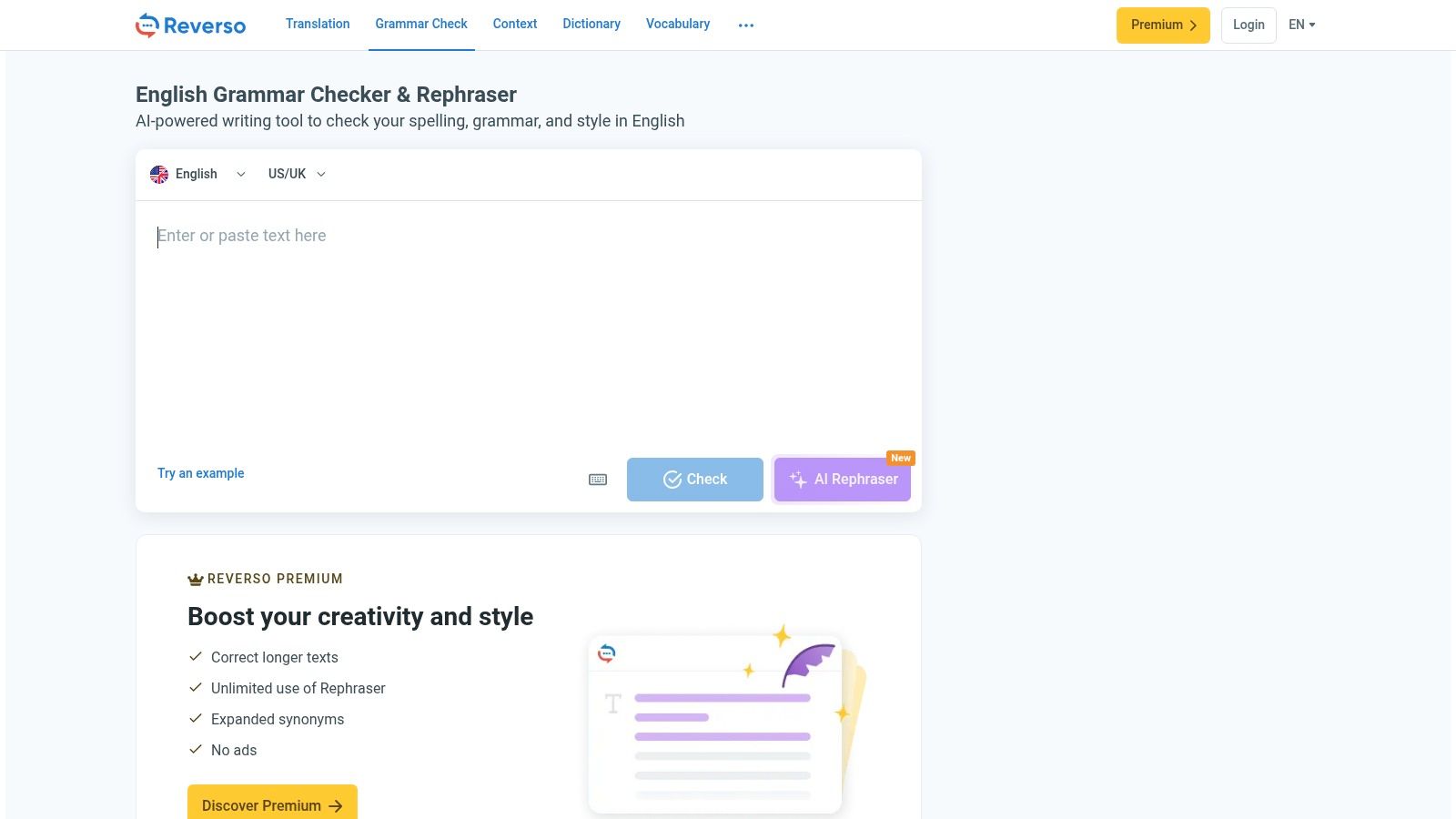
The contextual examples help explain why a phrase works or doesn't. That makes the tool feel closer to a language aid than a pure proofreader. If you're switching between writing and translation, that combination can be helpful.
Strong context, visible limits
Reverso is good when you want more than a correction flag. Its dictionaries and conjugation support help explain usage, which is valuable if you're learning or editing in a second language. The interface does lean heavily toward translation, though, so users looking for a simple grammar-only screen may find it busier than they want.
Free use includes ads and capacity limits, while Premium removes ads and adds capacity. That's a straightforward trade-off. If your writing life includes multilingual drafts or language learning, the free version is still worth keeping around.
9. Scribens
Scribens is one of the better choices if you want a checker that teaches while it corrects. It provides grammar, spelling, and punctuation checks, plus explanations for corrections, which makes it useful for users who want to learn the rule behind the fix. The site is Scribens.
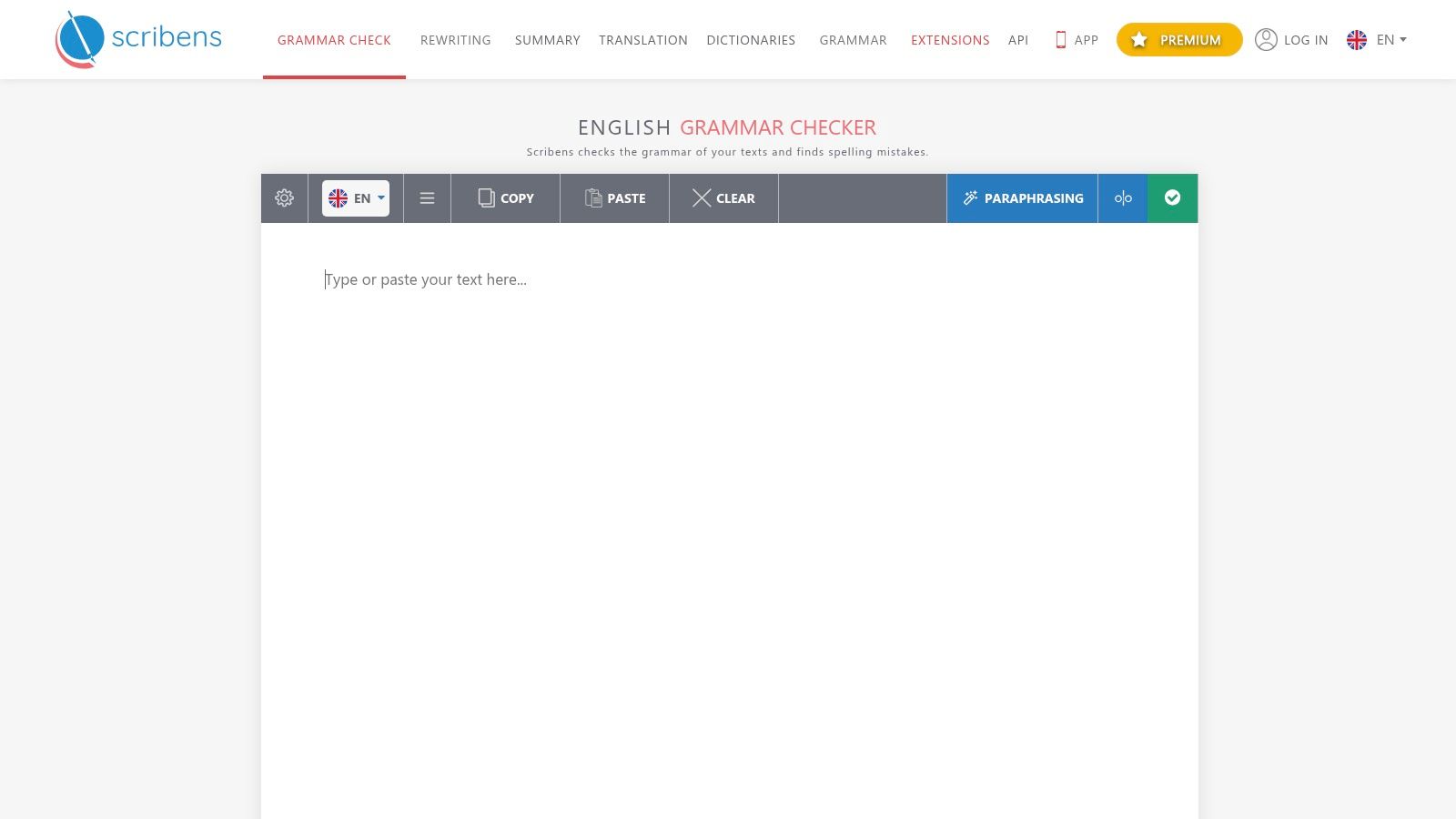
That explanation-rich approach is still one of the best reasons to choose it. A lot of tools show you the problem and move on. Scribens slows down enough to be educational, which can reduce repeat errors over time.
Best for people who want to improve, not just fix
Scribens also offers extensions for Word, Google Docs, and email clients, plus mobile apps. That gives it useful reach for day-to-day writing. The interface is simpler than newer AI tools, and some features are marketed separately as add-ons, with regional pages varying in what they show.
For learners, that's not a deal-breaker. In fact, the simpler interface can make it easier to focus on the correction itself. If you want a free checker that acts a little more like a coach, Scribens deserves a look.
10. Slick Write
Slick Write is the lightest option in this comparison, and that is its main advantage. It is completely free, browser-based, and does not require an account. It flags grammar and style issues, then adds readability and structure stats so you can spot weak spots fast. The site is Slick Write.
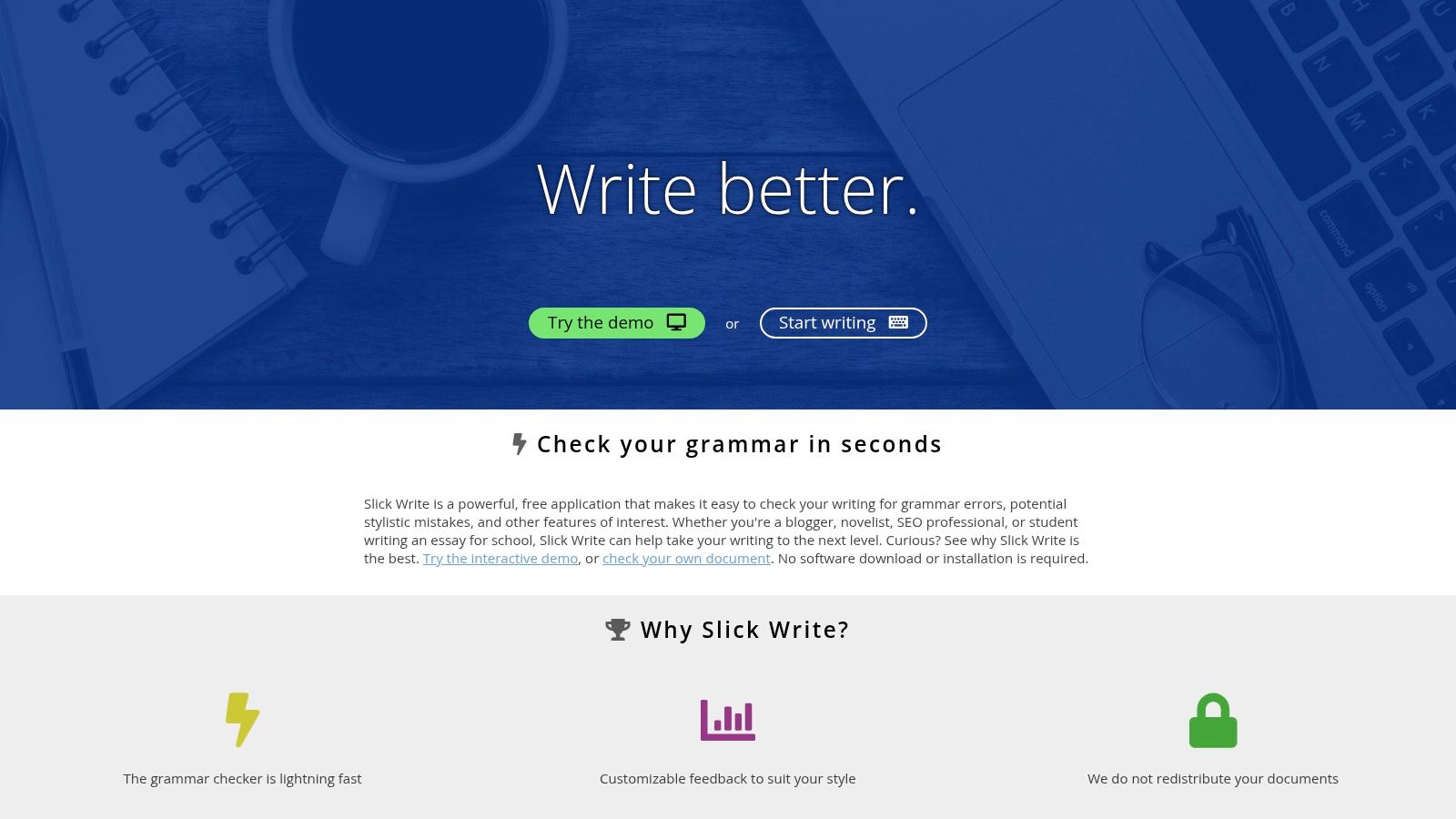
Paste a rough 600-word draft, and the statistics sidebar gives you a quick read on what needs work. If the passive voice share is climbing or sentence structure looks flat, you can fix those problem areas before a deeper edit. That makes it useful for bloggers who want a fast first pass without signup friction.
Simple, fast, and good enough for a first pass
Slick Write works best as a triage tool. It gets a draft cleaned up quickly, then hands you off to a fuller editing round. The trade-off is clear. You get fewer integrations than paid suites and fewer rewriting features than more polished competitors.
If you want to move from a browser-only checker into a fuller writing environment, see these apps like Microsoft Word for writers. For short posts, notes, or rough drafts, Slick Write stays one of the least annoying free options.
Top 10 Free Online Grammar Checkers Compared
| Grammar Checker | Core Features | Standout Strength | Best For | Price & Value |
|---|---|---|---|---|
| Grammarly | Grammar, spelling, tone insights, AI suggestions | ✨ Works across web, desktop, and mobile | 👥 Everyday writers and bloggers | 💰 Free basics; advanced tools are paid |
| LanguageTool | Checks 30+ languages; web, desktop, and mobile apps | 🏆 Strong multilingual support | 👥 Multilingual and mixed-language writers | 💰 Free tier; more checks and integrations require Premium |
| QuillBot Grammar Checker | Grammar, spelling, punctuation, paraphrasing, citations | ✨ No-signup checker with companion writing tools | 👥 Students and writers revising drafts | 💰 Free checker; advanced rewrites and higher usage limits are paid |
| ProWritingAid | Grammar checks and style reports | 🏆 Detailed style and structure analysis | 👥 Long-form writers, authors, and editors | 💰 Limited free reports; more features are paid |
| Ginger | Grammar, spelling, contextual corrections, rephrasing | ✨ Context-aware suggestions | 👥 ESL/EFL writers and everyday users | 💰 Limited free use; unlimited corrections require a subscription |
| Hemingway Editor | Readability grade; flags complex sentences, passive voice, and adverbs | ✨ Focuses on making prose clearer | 👥 Bloggers and writers simplifying drafts | 💰 Free web editor; optional advanced features are paid |
| Sapling | AI grammar checks, spelling, autocomplete, browser plugins | ✨ Business-focused writing tools | 👥 Support, sales, and professional teams | 💰 Free checker; advanced and team features are paid |
| Reverso Grammar & Spell Checker | Grammar, spelling, dictionaries, translation | ✨ Contextual examples and language tools | 👥 Language learners and translators | 💰 Free with ads and limits; Premium adds capacity |
| Scribens | Grammar, spelling, punctuation, correction explanations | ✨ Feedback explains errors to support learning | 👥 Learners and writers seeking detailed corrections | 💰 Free core checker; some add-ons and features are paid |
| Slick Write | Grammar, style, readability, and structure insights | ✨ Fast, lightweight checks without an account | 👥 Bloggers seeking a quick editing pass | 💰 Free to use; fewer advanced tools and integrations |
Matching a Free Checker to Your Next Draft
The smartest way to use a free grammar checker online is to stop treating any one tool as final authority. Run the same paragraph through two shortlisted tools, then compare which corrections improve the sentence and which ones change your voice. The education research is clear on the bigger point, free checkers can help with revision, but they don't guarantee error-free writing, and the strongest gains show up when feedback is part of an iterative process rather than a one-click fix (Zenodo study on student writing and grammar checkers).
For publishing work, the routine matters more than the brand. Use a checker for mechanical cleanup, then do a separate human review for meaning, tone, factual accuracy, and style. That matches the broader evidence that automated systems are stronger on surface issues than on organization or coherence, and that high-confidence corrections should come before any rewritten phrasing is accepted (Automated writing evaluation review). If the tool is likely to flatten your voice or misread your intent, don't let it drive the edit.
Privacy deserves the same attention as accuracy. Before pasting client copy, unpublished drafts, or sensitive notes, read the tool's retention language, strip identifying details, and try a synthetic sample first. That caution isn't overkill, it's the difference between a convenient helper and a data-sharing decision you didn't mean to make. The same principle applies to dialect and multilingual writing, where a flag isn't proof that a sentence is wrong, just proof that the tool made a judgment.
For most writers, the best workflow is simple. Keep one tool for grammar, one for readability, and a short list of your recurring mistakes. That way the next draft starts cleaner, needs fewer corrections, and spends less time in the upgrade funnel.
Read More Info publishes practical WordPress-friendly guidance for bloggers, small businesses, and solo creators who want clear answers without clutter. If you want more straightforward comparisons like this one, visit Read More Info and use the site's search and RSS feed to keep up with new posts that help you write, edit, and publish with more confidence.