
The most popular advice about a free link shortener is to pick one with the best analytics. That can be the wrong starting point. If your link is only for a quick share, a dashboard adds little; if it's printed on a QR code or embedded in an evergreen post, an editable destination and reliable link ownership may matter more than click reports.
This guide compares ten services by the decisions that affect real workflows: whether analytics are included, whether you can edit aliases or destinations, how links are managed, what privacy trade-offs come with redirects, and whether the tool suits manual, team, or automated use. A short link replaces a long address with a redirect, a model TinyURL helped establish when it emerged in January 2002 to address links that wrapped across lines in online discussions (Cuttly's URL-shortening history). That convenience has a security cost: research has documented how shortened links can conceal phishing and malware destinations (research on shortener abuse).
The right choice depends on where a link will live and who needs to maintain it. For a WordPress publisher, a link in a post or campaign should be judged differently from a one-off message to a friend.
Table of Contents
- 1. Bitly
- 2. TinyURL
- 3. Rebrandly
- 4. Short.io
- 5. T.LY
- 6. Cuttly
- 7. YOURLS
- 8. is.gd
- 9. v.gd
- 10. CleanURI
- Top 10 Free Link Shorteners: Feature Comparison
- Choose by Link Volume, Tracking Needs, and Control
1. Bitly
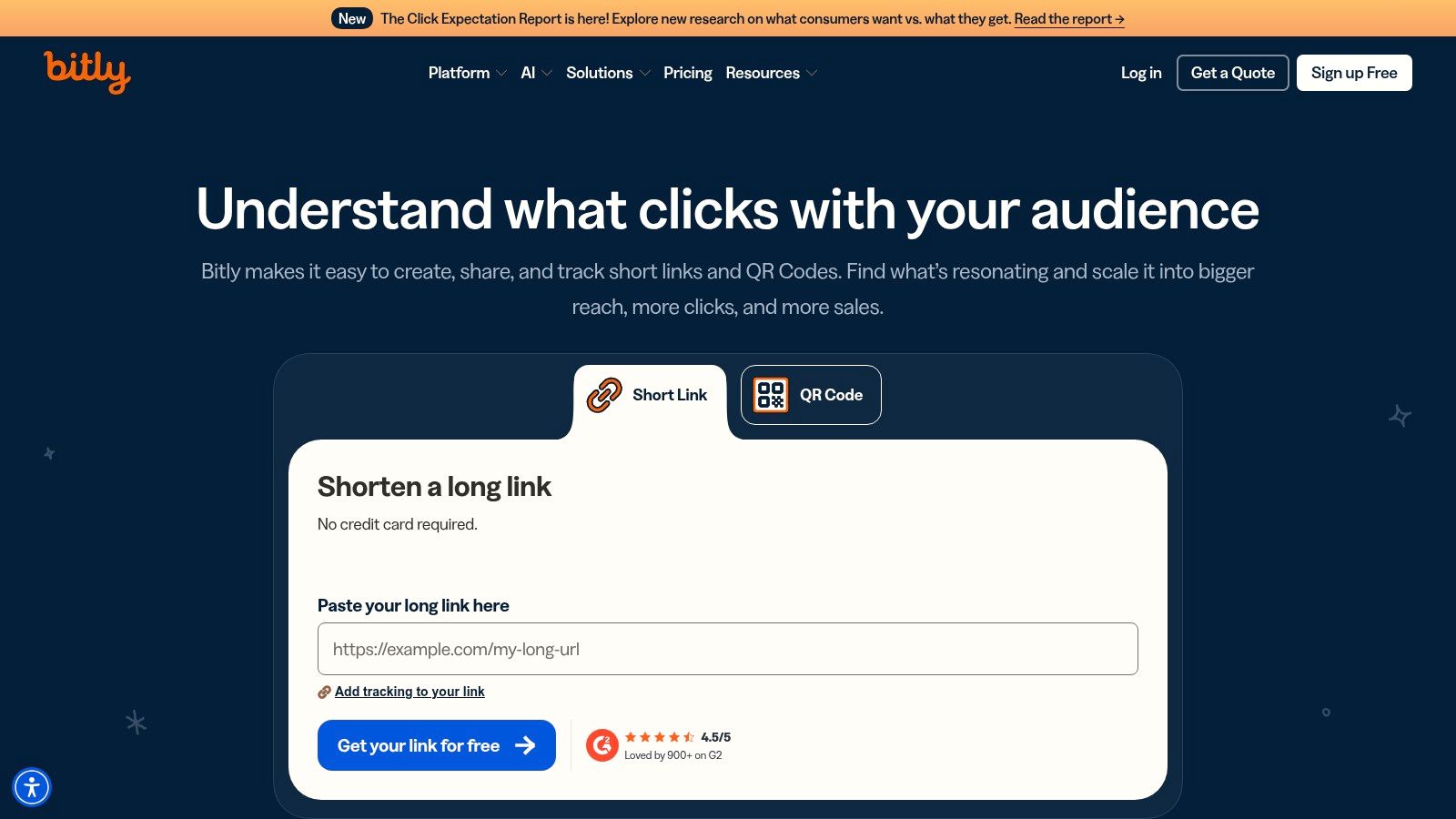
Bitly's free plan is more than a basic redirect form, but the monthly link allowance makes it a better fit for occasional publishing than for a busy campaign calendar. It includes five new short links per month, with unlimited clicks on those links, alongside QR codes, Bitly Pages, custom back-halves, and API access. Mobile apps and browser extensions make it easier to create links outside the web dashboard.
The important trade-off is measurement. Link-level analytics and branded custom domains aren't included on the free tier, so a polished interface doesn't mean free campaign reporting. The allowance may also run out quickly if you publish regularly.
Where Bitly fits
Choose Bitly if you value an established ecosystem and want to create a limited number of short links, QR codes, or landing pages without paying upfront. Its API allowance can also support a modest automated workflow, though publishers should test the process before relying on it for routine production.
For a WordPress site, think about link continuity before using any service in evergreen content. If the redirect stops working, the page can still be live while the short address fails, so keep a record of each destination and use a short link only where its added convenience justifies the dependency. Read More Info's guide to creating a WordPress blog can help new publishers plan the site around the content they intend to maintain.
Practical rule: Unlimited clicks don't help if you need click reports or create more links than the free allowance supports.
Best for: Occasional publishers who want QR codes and a familiar toolset, and don't need free link-level analytics.
2. TinyURL
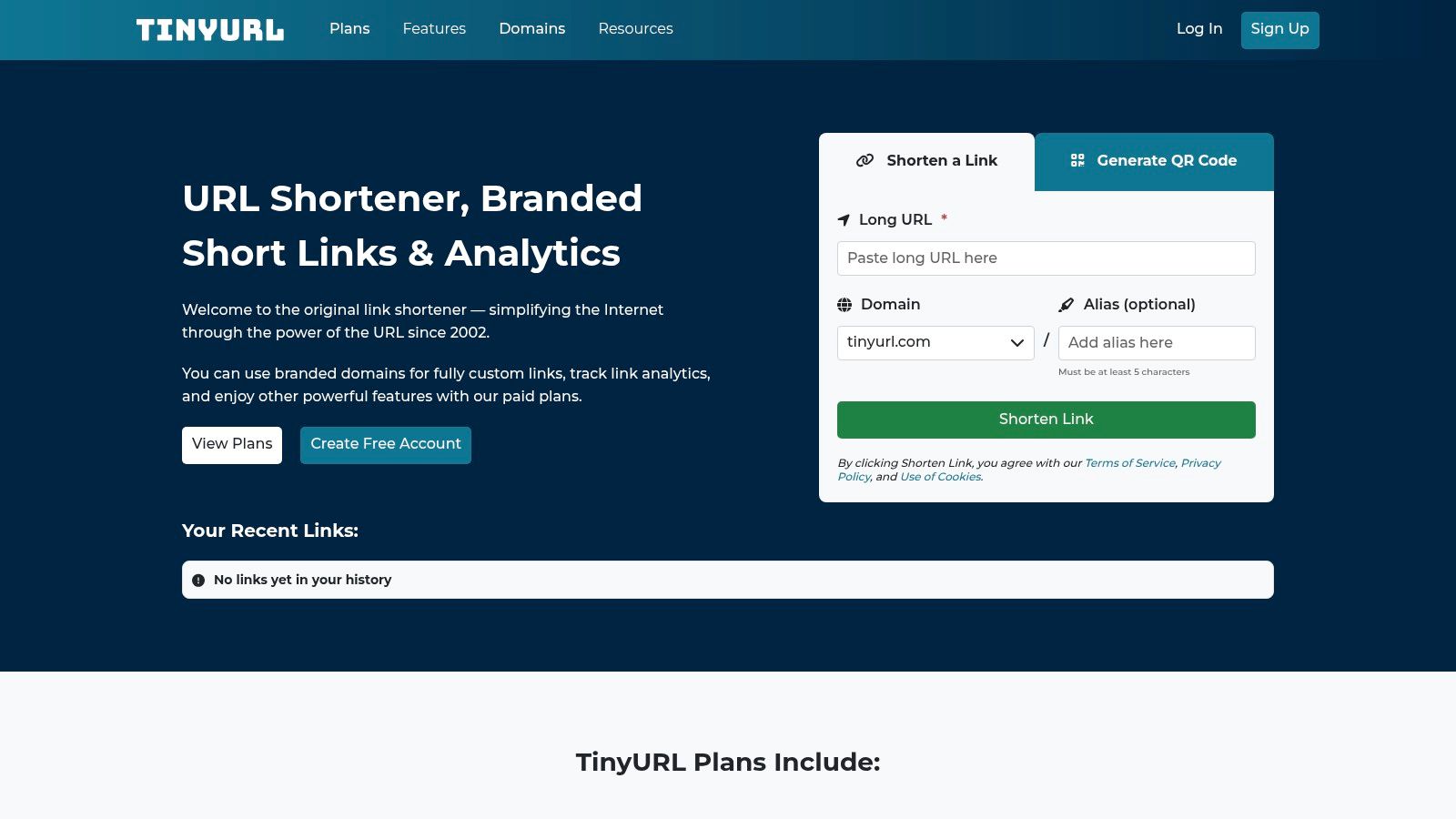
TinyURL works well when speed matters more than a detailed marketing dashboard. You can shorten a link without creating an account, then set up a free account if you want custom aliases, basic management, and simple tracking. That makes it practical for someone who needs to share a link immediately but may want to organize links later.
Don't mistake basic tracking for campaign analytics. TinyURL's free account doesn't provide the deeper reporting or branding features available from some competitors, and its QR code options aren't positioned at the same level. If you need to compare campaign performance or manage branded links across a team, you'll likely outgrow the no-frills workflow.
Quick links, with a path to management
For an individual creator or small publisher, the ability to start without signing up is useful. You can create a link first and decide later whether an account is worth the extra step. TinyURL also notes that a new API is replacing a legacy endpoint, so developers should check the current API documentation before wiring it into a script.
A short address can make a printed handout or spoken recommendation easier to use, but it hides the destination from readers. Don't use a shortener to imply that an unfamiliar destination is trustworthy, and avoid shortening URLs that contain private query information. If you're planning the surrounding site as well, these WordPress blog layout ideas can help keep the destination experience clear and readable.
Best for: Quick, occasional links when you want an optional account and don't need advanced reporting.
3. Rebrandly
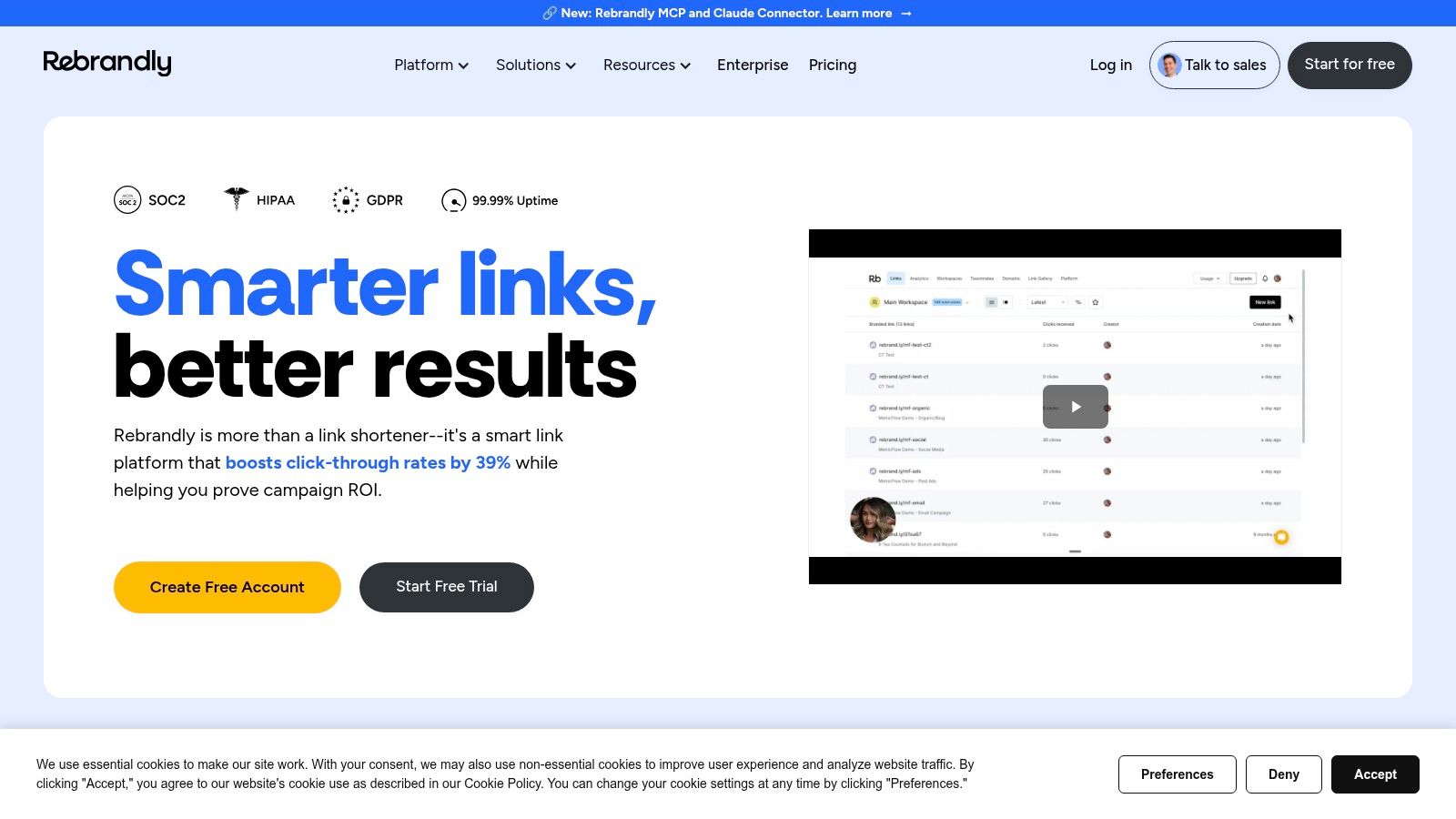
Rebrandly is the branding-led choice in this group. Its free plan lets users create branded links on a Rebrandly-provided domain, then manage and track those links from a dashboard. API access and integrations offer a route to automation, which can be useful when links need to be created consistently across a publishing or marketing workflow.
The distinction to keep in mind is branded links versus a custom domain. A Rebrandly domain can make links recognizable within the service's ecosystem, but users who need their own domain and more advanced analytics should expect to compare paid tiers. Free access can be a starting point, not a guarantee that the complete brand experience is included.
Useful for growing campaigns
A branded short link can look more deliberate than a generic redirect, but it doesn't replace good destination design or a clear call to action. Before placing links in email signatures, printed material, or long-lived posts, confirm whether you can change the destination, export link data, and keep the alias if you later change plans.
Rebrandly makes more sense when link management is part of a marketing routine, rather than a one-off task. Its support center and documentation are helpful for users evaluating integrations, but teams should verify the precise free-plan limits they need before building around them. For general WordPress publishing advice and site updates, browse the Read More Info blog.
Best for: Brand-conscious users who want a managed dashboard and a path toward custom domains and richer analytics.
4. Short.io
Short.io stands out for offering custom domains on its free plan, subject to plan limits. That makes it a strong candidate for a small business or creator who wants links to use a recognizable domain from the start. The service also supports editable slugs and destination updates, so a link can remain the same even when the page it points to changes.
Click statistics are available up to the free-tier cap, and the platform offers API access and QR codes across plans. Its integrations include tools such as Zapier, Segment, and Slack, which gives Short.io a practical route from manual link creation to a connected workflow. Commercial use is allowed on the free plan.
What to verify before you commit
Short.io's appeal is strongest when you already have a domain and want to own the visible brand element. The free plan still has limits on domains and statistics, so check how those caps align with your expected usage rather than assuming the custom-domain feature makes the account unlimited.
Advanced controls are a separate consideration. Password protection and cloaking require a paid plan, while deeper geographic targeting is also gated. Cloaking is not a substitute for trust or security: readers should be able to understand where a link leads, and publishers should avoid concealing risky destinations.
A branded domain improves recognition, but it doesn't remove the need to monitor redirects or keep a record of destination changes.
Best for: Users who want a custom domain, editable links, and basic reporting without an initial subscription.
5. T.LY
T.LY is built for fast, occasional link creation. Its web tool and browser extension make it convenient when you're shortening a URL as part of everyday browsing or publishing. The service also offers QR codes and other link tools, so the free experience can cover more than a pasted-and-copied redirect.
The key limitation is that creating a link isn't the same as maintaining one. Saved links, analytics, custom domains, and API access are paid-account features after a trial. If you need an ongoing record of destinations or a report you can revisit, a free one-off link workflow may not be sufficient.
A good fit for simple sharing
T.LY is a reasonable choice for links that don't require long-term management. A browser extension can reduce friction for a solo creator who routinely shares URLs, but before using it for a campaign, check whether you can later edit the destination and retrieve the associated data without upgrading.
That distinction matters for QR codes and printed material. If a destination changes, an uneditable short link can leave an offline asset pointing to the wrong place. For temporary sharing, that may be an acceptable trade; for evergreen materials, choose a service with clear editing and ownership controls.
Best for: People who want a fast browser-based or extension-assisted shortener and don't need persistent free analytics.
6. Cuttly
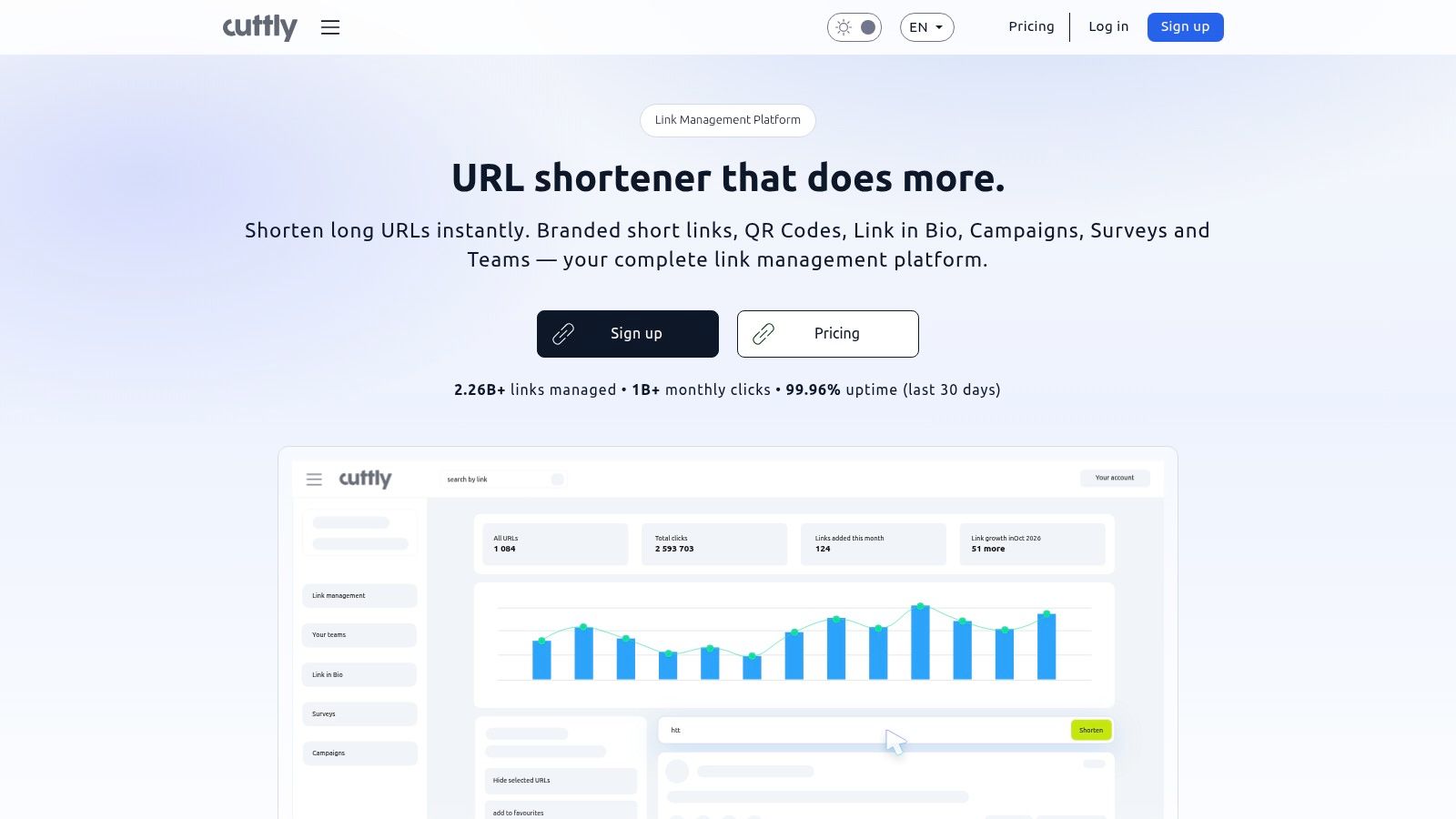
A free Cuttly account can behave like a small campaign workspace rather than a paste-and-copy form. It is a continuing tier for light use, with shortening and management plus a link-in-bio page, QR codes, campaigns, and link tags. For a solo marketer, that can keep related links organized without assembling several tools.
The catch is capacity, not click volume. Links can receive unlimited clicks, while link creation and analytics have caps; retention, API limits, and history expand on paid plans. On the free plan, check the exact analytics retention window before relying on campaign tags for reporting, since history expands only on paid tiers.
Organization is the real test
Treat the free tier as a workflow decision. Tags and campaigns help separate channels, a bio page can consolidate profile traffic, and the multilingual interface may help mixed-language teams. Those features matter only if your publishing cadence stays under the caps and the links remain manageable after they are distributed.
Before printing a QR code or adding a bio URL, confirm whether you can edit the destination later, whether links can expire, and what routing data the service collects. If automation or shared reporting is likely, review API limits and ownership controls early; a tidy dashboard is less useful when records age out or cannot be moved.
Best for: Light-use campaigns that need tags, QR codes, and a link-in-bio page, with limits checked before the links are everywhere.
7. YOURLS
YOURLS is free software you install on hosting you control. It gives site owners control over their shortener's domain, aliases, plugins, and data, rather than putting every redirect inside a third-party account. For a technically comfortable publisher, that can be a meaningful advantage when branded links and data ownership matter.
The software itself doesn't charge a per-link or monthly service fee, but hosting and maintenance aren't free in effort or necessarily in cost. You need a domain, a suitable hosting environment, and someone prepared to keep the installation working. Capacity and reliability depend on that hosting setup.
Control comes with responsibility
YOURLS' plugin system makes it adaptable, and community extensions can add capabilities. Self-hosting also gives you more direct control over link records and exports. But a server that's neglected, misconfigured, or unavailable can break every short URL built on it.
Choose YOURLS if you're comfortable maintaining a web application, monitoring the hosting account, and handling updates. If you're a non-technical WordPress beginner, a managed service may be easier to operate, even if it offers less control. A self-hosted redirect service is only as dependable as the domain renewal, hosting, and maintenance behind it.
Ownership has a maintenance cost: you control the redirect infrastructure, so you also have to keep it available and secure.
Best for: Developers and site owners who prioritize control and can manage their own hosting.
8. is.gd
is.gd keeps the workflow deliberately small: paste a URL, shorten it, and optionally choose a custom alias or enable click logging. The service also offers options such as pronounceable and lowercase links, which can make a short address easier to read aloud or type. You don't need an account to create a link.
The same simplicity limits its usefulness for campaigns. There's no account dashboard or advanced analytics, and the statistics page is public when you enable logging. That's a poor fit if your reporting shouldn't be visible to anyone with the stats address or if you need a team to manage links centrally.
Use it for public, low-maintenance links
is.gd is suited to casual sharing where you want a simple alias and don't need a private analytics workspace. Its stated policies say it doesn't use third-party ads, but a short link still hides the destination domain from the person clicking. Shortening shouldn't be treated as a privacy or access-control feature.
Security research has also shown that short-link identifiers can sometimes expose the underlying resources when predictable links are enumerated (Cornell's overview of shortened-link privacy risks). Avoid using public short links for confidential documents, private searches, or destinations that depend on obscurity for protection.
Best for: Fast, no-account shortening when public stats and minimal controls are acceptable.
9. v.gd
v.gd offers a similar minimalist experience to is.gd. You can create links without an account, set a custom alias, and choose whether to log statistics for an individual link. The interface is lightweight and ad-free, and its opt-in statistics make the tracking choice explicit rather than automatic.
That simplicity means you won't find login-based team features or campaign analytics. The stats page is public, so it's unsuitable for sensitive reporting. A public counter can answer a basic question about activity, but it won't replace a dashboard designed to compare sources, devices, or campaign outcomes.
Keep the use case narrow
Use v.gd for straightforward links that need little oversight. The per-link logging option is handy when you want a simple count, but don't enable it without considering who can access that public page. If a link points to a private file or contains sensitive query parameters, don't shorten it as a workaround for setting proper permissions.
As with any redirect service, check the final destination before distributing a link broadly. A short address can be easy to share and difficult for a recipient to inspect, so trust depends on the sender and the destination as much as the service.
Best for: Users who want a no-account short link with optional, public per-link statistics.
10. CleanURI
CleanURI is the most automation-oriented option here. Its shortening endpoint doesn't require an API key, and it returns a simple JSON response that can be used in scripts, serverless functions, or WordPress automations. A web form remains available for manual shortening, but the service is most useful when a workflow needs to create a short link without adding an account-management step.
The trade-off is clear: there's no dashboard, analytics, or branded-domain control. That makes CleanURI a poor choice for teams that need to review link history or report campaign performance. It's better treated as a lightweight utility than a link-management platform.
Test the full automation
A no-key endpoint reduces setup friction, but developers should still test failure handling and store the resulting short links where the team can find them. If the automation creates links that later appear in published content, maintain a destination record and verify that the endpoint's behavior fits your operational needs.
A link shortener doesn't make a destination safe just because a script created it. Keep sensitive values out of URLs, use HTTPS destinations, and review the final redirect before distributing links to a broad audience. For developers who want to explore an integration pattern, browse the shortener API reference.
Best for: Developers who need basic shortening in scripts or WordPress workflows and can live without a management dashboard.
Top 10 Free Link Shorteners: Feature Comparison
| Link Shortener | Core Features | Experience & Tracking | Free-Tier Value | Best For & Standout |
|---|---|---|---|---|
| Bitly | Short links, QR codes, landing pages, API | ★ Polished apps and extensions; no free link analytics | 💰 Free: 5 links/month; unlimited clicks | 👥 Publishers wanting a dependable toolkit; ✨ broad ecosystem |
| TinyURL | No-account shortening; custom aliases | ★ Quick and simple; basic tracking with free account | 💰 Free basic use and link management | 👥 Casual users; ✨ start without signing up |
| Rebrandly | Branded links, link management, API | ★ Tracking dashboard; advanced analytics on paid plans | 💰 Free branded links on a Rebrandly domain | 👥 Brands building link identity; ✨ brand-first workflow |
| Short.io | Custom domains, editable slugs, QR codes, API | ★ Click stats within free-tier limits | 💰 Free custom domains, subject to limits | 👥 Businesses and publishers; ✨ branded links without an initial subscription |
| T.LY | One-off shortening, browser extension, QR tools | ★ Fast, clean workflow; saved links and analytics require paid plan | 💰 Free for occasional link creation | 👥 Users shortening links on the go; ✨ browser extension |
| Cuttly | Short links, QR codes, link-in-bio, tags, campaigns | ★ Basic analytics; history and limits improve on paid plans | 💰 Standing free plan with unlimited clicks on created links | 👥 Light-use marketers and creators; ✨ extra campaign tools |
| YOURLS | Self-hosted shortener, custom domains, plugins | ★ Control depends on your hosting and maintenance | 💰 Free software; hosting and domain costs apply | 👥 Technical site owners; ✨ data ownership and customization |
| is.gd | No-account links, custom aliases, readable link options | ★ Minimal; optional public click statistics | 💰 Free, no-sign-up use | 👥 Users wanting quick, simple links; ✨ lightweight, ad-free service |
| v.gd | No-account links, custom aliases, opt-in stats | ★ Minimal; statistics appear on a public page | 💰 Free to use | 👥 Users seeking a simple shortener; ✨ stats are optional per link |
| CleanURI | Web form, keyless API, JSON responses | ★ Simple integrations; no dashboard or analytics | 💰 Free shortening endpoint | 👥 Developers and automation users; ✨ no account or API key required |
Choose by Link Volume, Tracking Needs, and Control
For occasional sharing, TinyURL, is.gd, v.gd, or T.LY may be enough. TinyURL lets you start without an account and add basic management later; is.gd and v.gd keep creation simple but provide little reporting; T.LY is convenient when you don't need free link history. Choose among them based on whether you value custom aliases, optional public stats, or a browser extension.
For campaign reporting and managed workflows, compare Short.io, Cuttly, Rebrandly, and Bitly against the limits that matter in your work. Don't judge a plan only by whether it offers analytics. Check what the dashboard exposes, how long it keeps the data, how many links you can create, and whether you can export records. A free tier can look generous and still fail if its retention period or creation cap interrupts a campaign.
If you need privacy, a custom domain, and greater control, YOURLS is worth evaluating, provided you can maintain the hosting and security yourself. Developers testing lightweight automations may prefer CleanURI, but should keep link records outside the endpoint if they need a history of what their scripts created.
Before you commit, confirm analytics retention, alias editing, destination updates, link expiry, domain ownership, export options, and the next usage tier's cost. Also test each redirect in a clean browser. Short links can conceal phishing or malware destinations, and ad-based shortening systems have been associated with malicious intermediary requests in security research (study of ad-based shorteners). Avoid shortening login URLs, sensitive downloads, and links containing private query data.
Finally, plan for continuity. A link printed on a QR code or embedded in an evergreen post becomes a dependency on the provider, account, domain, and redirect configuration. Keep a destination record, know how you'll change or replace a link, and don't assume that a short address remains permanent just because it works today.
Read More Info publishes practical WordPress and web guides for bloggers, small businesses, and creators, with site search and RSS feeds for following new posts. Explore Read More Info for straightforward information to support your next publishing decision.