You've finished a blog post, drafted a short explainer, or opened a document you'd rather listen to than read. You paste the text into a voice generator, like the preview, and then discover that downloading it requires payment, publishing it needs attribution, or the free allowance won't cover your script.
Free text to speech online is enough when you need quick listening, language practice, draft narration, or a short audio clip. It stops being enough when you need dependable commercial rights, repeatable production settings, longer exports, or precise control over pronunciation and delivery. Don't choose a service because it advertises the biggest voice library. Choose it because its free experience lets you finish your actual task.
For listening and study, prioritize comfortable playback and document support. For video narration, prioritize downloadable files, pronunciation, and licensing. For multilingual work, test your actual language and terminology rather than relying on a voice catalog.
Practical rule: Generate a representative passage and test the download before committing your full script. A convincing preview doesn't establish that you can export or publish the result.
These ten options serve different jobs. Some are primarily readers, some are short-clip converters, and others offer a limited introduction to a paid production platform. The recommendations below distinguish those uses without treating every free tier as a complete voiceover studio.
Table of Contents
- 1. NaturalReader Online
- 2. TTSReader
- 3. ElevenLabs Text-to-Speech
- 4. PlayHT
- 5. VoiceMaker
- 6. ttsMP3.com
- 7. Text2Speech.org
- 8. Read-Aloud
- 9. Narakeet (TTS Maker)
- 10. Speechify
- Free Text-to-Speech Tools: Top 10 Comparison
- Choose the Free Speech Tool That Fits the Job
1. NaturalReader Online

Choose NaturalReader for listening to documents, not for free audio production. NaturalReader Online reads pasted text and uploaded PDFs, DOCX documents, and EPUB files in a browser, without installing desktop software. Its beginner-friendly interface makes it a sensible starting point for study materials and everyday reading.
The service includes a broad voice and language catalog, including neural voices, plus a document library with highlighting and notes. For casual listening, the default voices provide a useful starting point, but evaluate the voice available within your free access rather than assuming every preview is included.
Where the Free Plan Stops
- Listening: Free in-browser playback suits personal reading and reviewing drafts.
- Downloads: MP3 export requires a paid plan, so it isn't the right choice for a free downloadable voiceover.
- Advanced features: Subscription restrictions and daily or monthly limits can apply to particular features.
If you prepare scripts with free office tools, keep the original document and upload a reading copy. Listen for awkward transitions, repeated words, and sentences that are difficult to follow aloud, then correct those issues in the source.
NaturalReader also works well as a companion to free writing tools: write and revise elsewhere, then use playback for an editorial read-through. Upgrade only when you need its paid reading features or export workflow, not just because a premium voice sounds attractive.
2. TTSReader
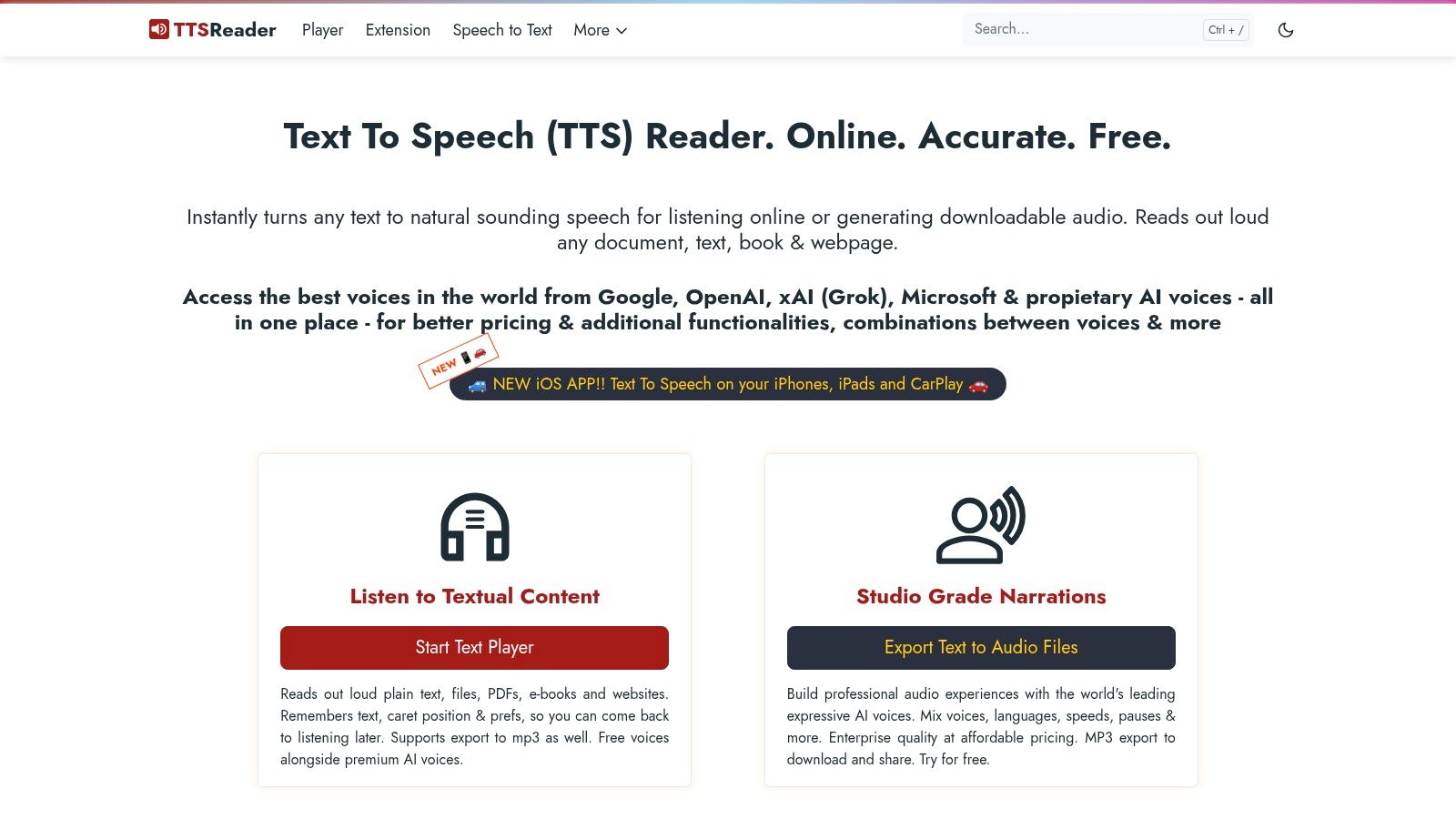
Need to hear a paragraph without opening another account? TTSReader is the straightforward choice. TTSReader provides free basic browser playback without sign-in and works in modern browsers including Chrome, Firefox, and Safari.
Paste an article, select an available language and voice, and listen. It's better suited to checking straightforward text than building a polished narration track, because its production controls are more limited than those of studio-focused services.
Use TTSReader to answer “Does this read clearly aloud?” rather than “Can I deliver this audio to a client?”
MP3 and WAV export require premium access, and premium voices are paid extras. That distinction makes TTSReader useful for immediate listening but unsuitable when your nonnegotiable requirement is a free audio file.
For bloggers, paste a draft introduction or a passage from the Read More Info blog and listen for sentence flow. Keep the original formatting elsewhere so editing doesn't depend on a temporary playback window.
Treat language support as something to verify with your own material. Test names, abbreviations, and mixed-language sentences before choosing a voice for regular listening. If playback meets your needs, there's no reason to upgrade; if your next step is downloading narration, choose a converter with free export instead.
3. ElevenLabs Text-to-Speech

ElevenLabs is the pick for evaluating expressive, higher-fidelity narration. ElevenLabs Text-to-Speech offers neural voices, natural prosody, multilingual support, and access through a web app and API. Its free plan provides a monthly credit allowance for testing.
Don't confuse that allowance with a commercial production license. Free-plan use is personal and non-commercial, and published free-plan outputs require attribution. Paid plans provide expanded capacity and commercial rights, while production features such as projects and voice design or cloning sit within paid tiers.
Test Accuracy Alongside Expression
A pleasant voice still needs to pronounce the script correctly. The Artificial Analysis TTS evaluation methodology separates voice preference from pronunciation and other performance characteristics, using at least three independent reviewers for more than 95% of published clips.
Apply that distinction to your own test:
- Pronunciation: Include brand names, acronyms, numerical information, and specialist vocabulary.
- Delivery: Compare pauses and emphasis on the same passage.
- Credits: Finalize the script before repeatedly regenerating long sections.
Use the ElevenLabs audio generation options as an additional comparison resource, then confirm the applicable plan terms before publishing. Among free AI tools online, this is a strong audition platform, but a monetized video or client deliverable calls for the appropriate paid rights.
4. PlayHT
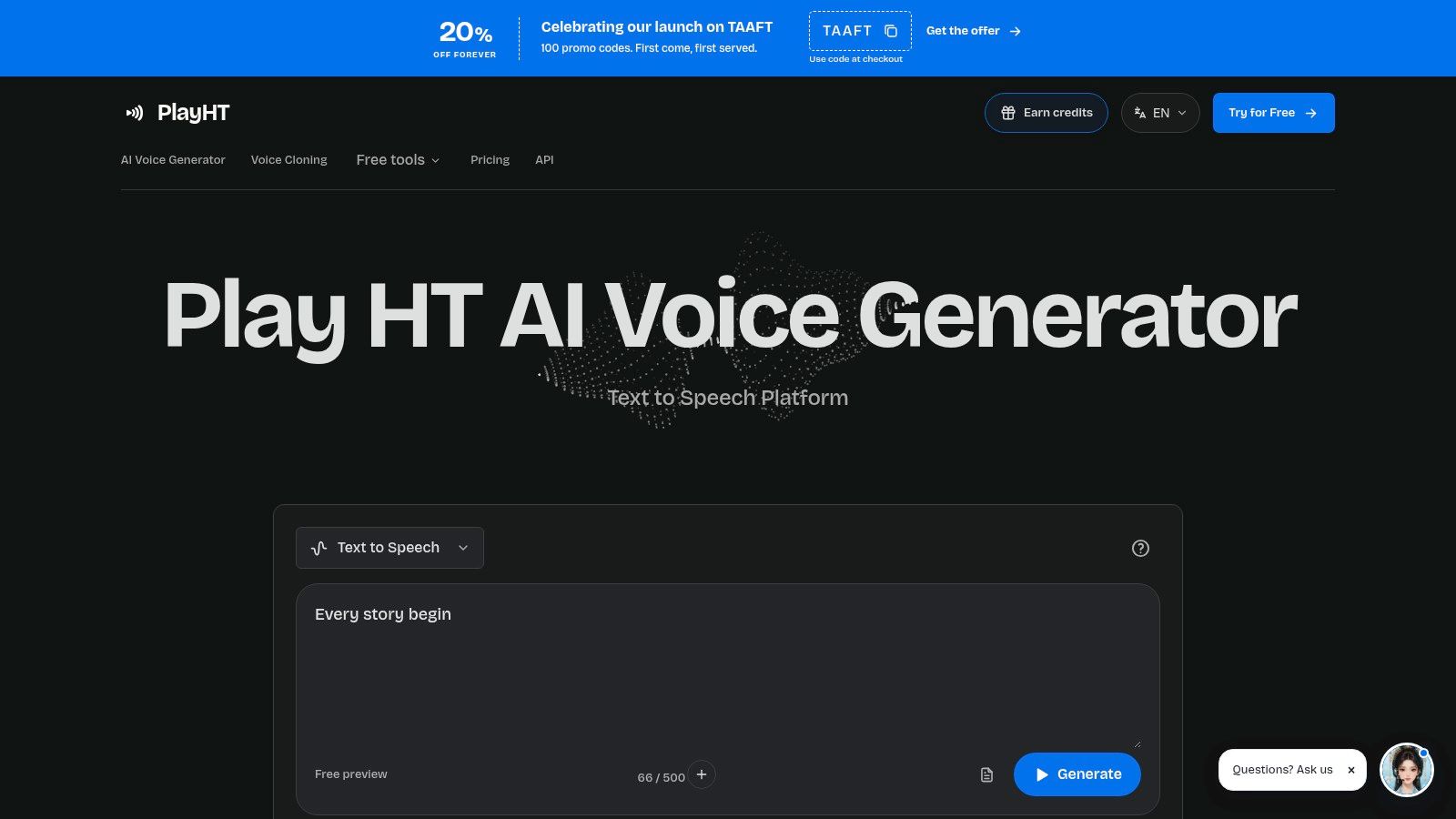
A downloadable audition clip is more useful than a preview you can only hear on a website. PlayHT suits that early comparison stage, particularly when you want to try voices before creating an account.
PlayHT offers guest previews with MP3 downloads, more than 200 public voices, multilingual support, and a 500-character limit per free generation. Its Basic, Pro, and Max model options use a credit system, while daily limits also apply to free previews.
Use It for Voice Auditions
Keep the test passage short but demanding. Include an opening sentence, your product name, and a line that needs a deliberate pause, then compare the downloaded result with your intended visuals.
- Best use: Short voice auditions and downloadable sample clips without an account.
- Free restriction: Limited generations and daily preview capacity.
- Upgrade trigger: Longer scripts, commercial use, additional models, or voice cloning.
If you're comparing free editing tools for videos, import the sample into your preferred editor before selecting the voice. Listen against background music and check whether the pacing fits the scene; don't judge solely through the generator's preview player.
PlayHT's free experience is for testing, not an unrestricted publishing workflow. Choose it when downloading a short audition is the immediate task, then move to a paid plan before commercial production. Avoid stretching a longer project across preview limits to postpone that decision.
5. VoiceMaker
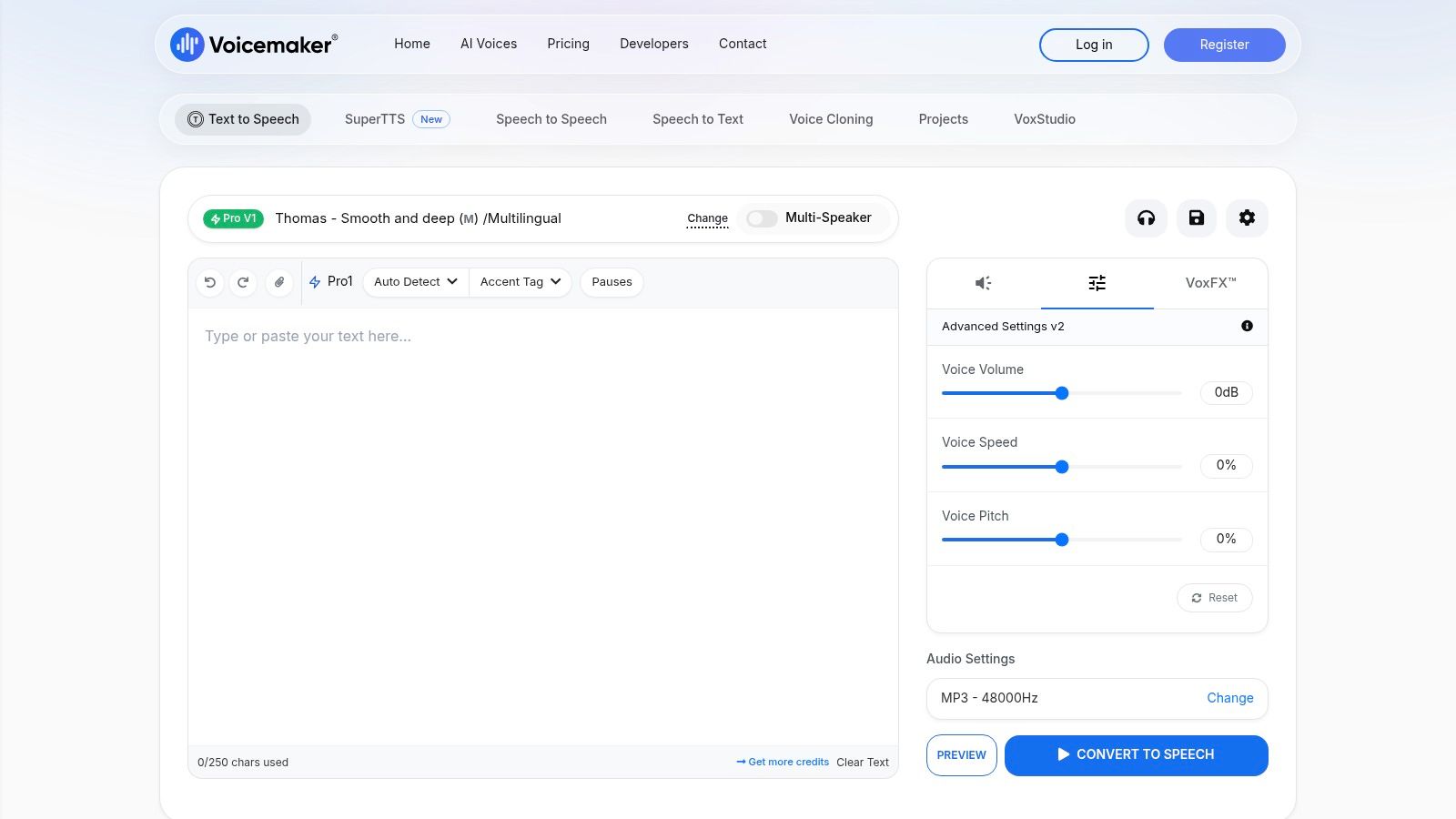
Choose VoiceMaker when delivery controls matter more than a minimal interface. VoiceMaker combines multiple neural voices and languages with adjustable pitch, speed, and Speech Synthesis Markup Language, or SSML. The free entry tier lets you evaluate voices and basic conversions.
A useful test is a product introduction that needs a pause before the product name and a slower closing sentence. Try the speech settings on that passage, then decide whether you can achieve the intended delivery without rewriting the entire script.
Production advice: Fix the wording first. Use speech controls to refine a clear script, not to compensate for sentences that are difficult to understand.
Free use has character limits, advanced features require a subscription, and commercial licensing depends on the plan. Higher tiers also provide an upgrade path for larger allowances and API access.
Before choosing VoiceMaker for a deliverable, confirm that your selected voice and tier support the required download format and usage rights. Don't assume that every export or API feature shown in the interface belongs to free access.
Use it alongside free humanizer tools only if you review the resulting text yourself. Preserve names, factual statements, and terminology during any rewriting step, then evaluate pronunciation separately. VoiceMaker is a practical option for controlled speech experiments, but ongoing business narration needs the correct plan rather than a collection of free tests.
6. ttsMP3.com
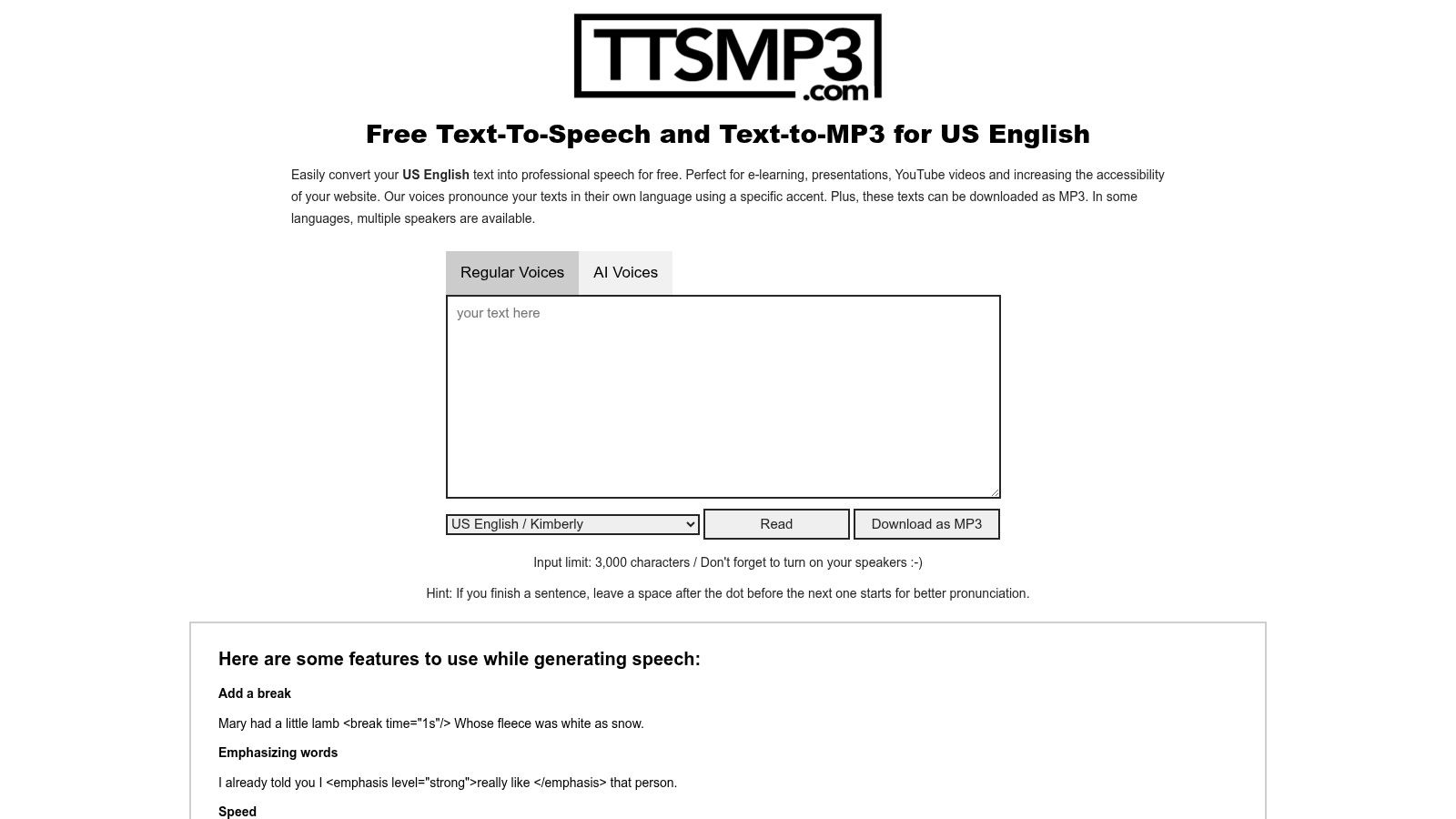
For a short downloadable audio file, start with ttsMP3.com. ttsMP3.com turns pasted text into MP3 audio through a simple browser workflow, with a choice of voices and languages and little setup.
Unlike listening-first services, downloading is part of the conversion process. That makes it useful for a pronunciation exercise, a draft presentation clip, or a temporary narration track you'll evaluate in an editor.
- Strength: Straightforward text-to-MP3 conversion without learning a studio interface.
- Limit: Free use has daily and character restrictions.
- Trade-off: Minimal editing controls make it a poor fit for elaborate or long-form narration.
Keep your approved script in a separate file and use the converter for short, self-contained passages. Listen to the downloaded MP3 all the way through before importing it into a project, especially when the text contains abbreviations or unusual punctuation.
For creators researching free tools for video editing, separate the audio decision from the editor decision. DaVinci Resolve's free edition includes professional color grading, multicamera editing, and Fusion visual effects, with output up to 4K at 60 frames per second, according to this DaVinci Resolve feature comparison.
ttsMP3.com also offers a basic API for programmatic conversions. Confirm the applicable conditions before automating, and check commercial rights independently of the download button. A file you can save isn't automatically a file you can publish commercially.
7. Text2Speech.org
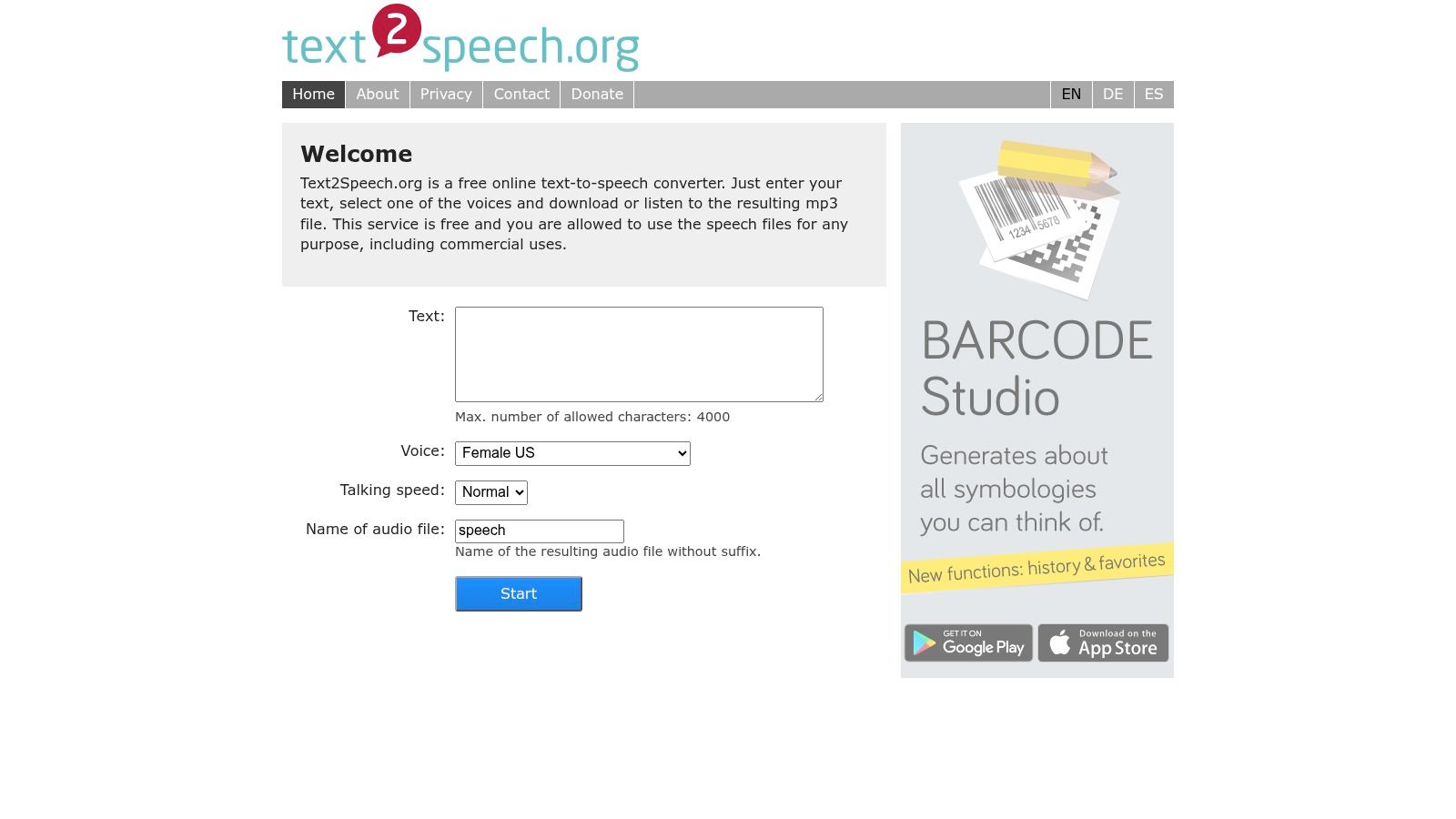
Text2Speech.org is for basic conversion without a production dashboard. Text2Speech.org provides a long-standing, lightweight interface where you paste text, choose a voice, listen, or download an MP3.
Choose it when a plain spoken version is sufficient. For a personal listening exercise or rough audio placeholder, fewer controls can be convenient because you're not spending time auditioning elaborate voice styles.
Keep Expectations Focused
Its voice selection and customization options are limited compared with AI-first platforms, and character caps apply to individual conversions. Don't choose it for nuanced brand narration if you already know the script needs expressive emphasis or detailed pronunciation control.
A sensible workflow is to prepare a short passage, generate the audio, and check both intelligibility and pacing. If the available voices don't suit your language or terminology, switch tools instead of repeatedly adjusting a script to accommodate unsuitable output.
For scanned source material, use free OCR tools to extract the text, then proofread it before generation. Check names, punctuation, and paragraph order rather than assuming the extracted version is ready to narrate.
Free basic conversion and an MP3 download are useful, but neither establishes commercial permission. Confirm the applicable usage terms before placing the audio in an advertisement, monetized video, or client project. Choose Text2Speech.org for simplicity, and move elsewhere when voice quality or customization becomes the deciding factor.
8. Read-Aloud
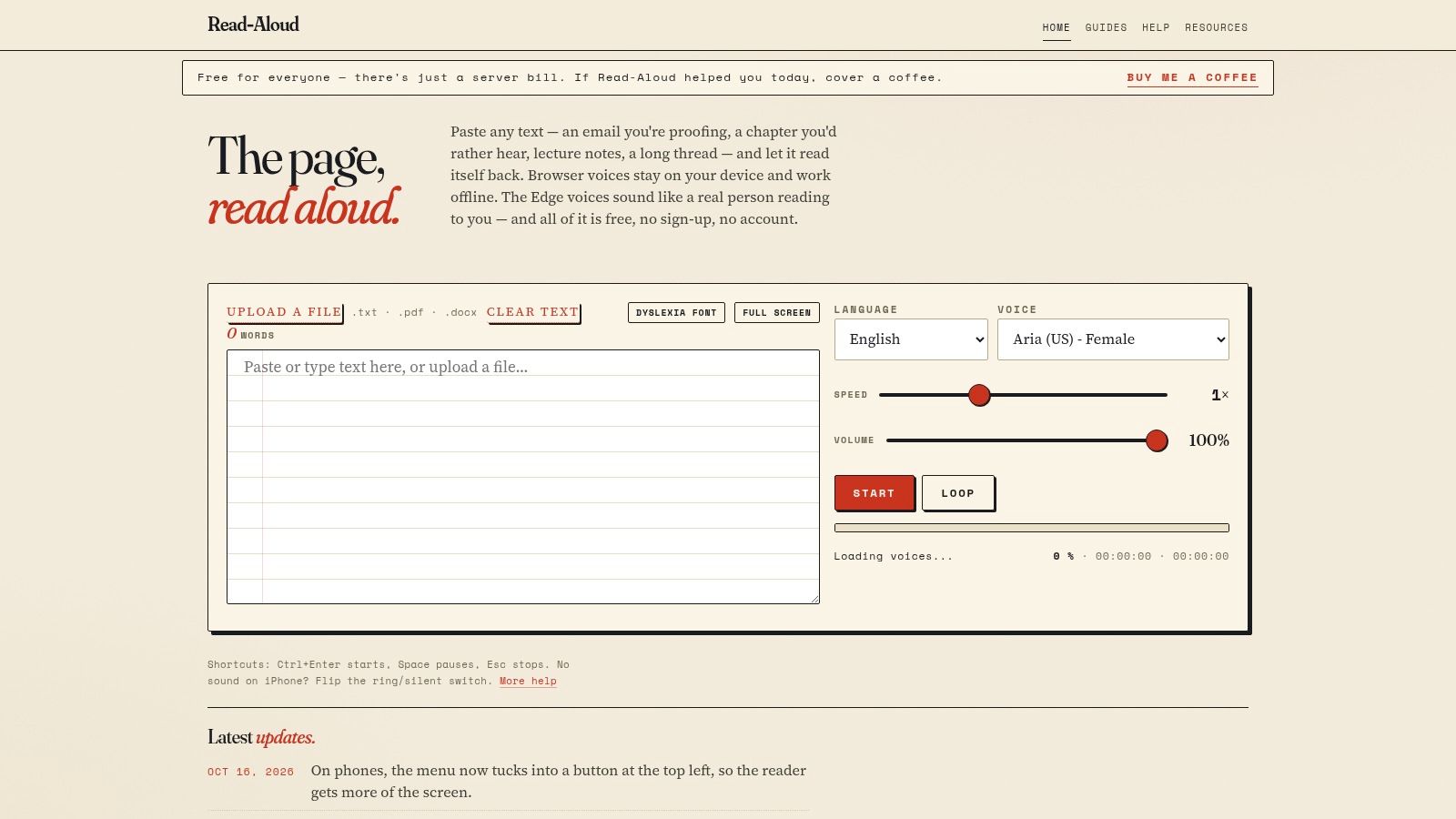
Read-Aloud combines document listening with downloadable outputs. Read-Aloud accepts TXT, PDF, and DOCX uploads, offers MP3 and SRT subtitle downloads, and doesn't require sign-up.
It uses speech engines available through the browser, including local or network engines and online natural voices in Microsoft Edge. Voice availability and quality depend on the browser and operating system, so test it on the device you will use.
Reading Audio Isn't Complete Accessibility
A TTS webpage converts text to speech; a screen reader also supports navigation through digital interfaces. Research on blind users' screen-reader experiences discusses navigation difficulties and privacy concerns, including a 2025 study with 12 legally blind adults whose preferences included private earbud listening.
For a content site, evaluate headings, links, forms, and reading order as well as the voice. The WordPress blog layout guide is a useful companion when planning how readers encounter your posts.
- Best fit: Document playback and convenient audio or subtitle exports.
- Test first: Browser-specific voices, document order, and pronunciation.
- Privacy check: Determine whether the selected engine sends text over a network.
Don't assume browser-based playback means local-only processing. Read-Aloud is a practical free option for documents, but it's less suited to polished voiceover production and doesn't replace an operating-system screen reader.
9. Narakeet (TTS Maker)

If your destination is a narrated presentation or video, Narakeet deserves an audition. Narakeet offers hundreds of voices across many languages, converts scripts to MP3 or WAV, and supports narrated-video creation.
You can try its online TTS without registration. That makes it useful for checking whether the voice, language, and output workflow fit before committing to an ongoing production service.
Free accounts have limited capacity and don't allow commercial use. Choose the trial for personal evaluation, then use an appropriate paid tier for business publishing or larger, repeated projects.
Download availability and publishing permission are separate decisions. Resolve both before building a video around a generated voice.
For multilingual narration, use the same representative passage in each target language. Have a competent reader review the script and generated speech, especially where product names or domain-specific terminology must remain consistent.
If you're assembling slides with free drawing tools, free visualization tools, or free map tools, prepare narration that explains the important visual information rather than merely reading labels. A spoken summary should give listeners enough context to understand what the slide communicates.
Narakeet's production-oriented outputs make it more relevant to creators than a basic reading webpage. Choose it for testing an audio-to-video workflow, but don't treat free capacity as a sustainable commercial production plan.
10. Speechify
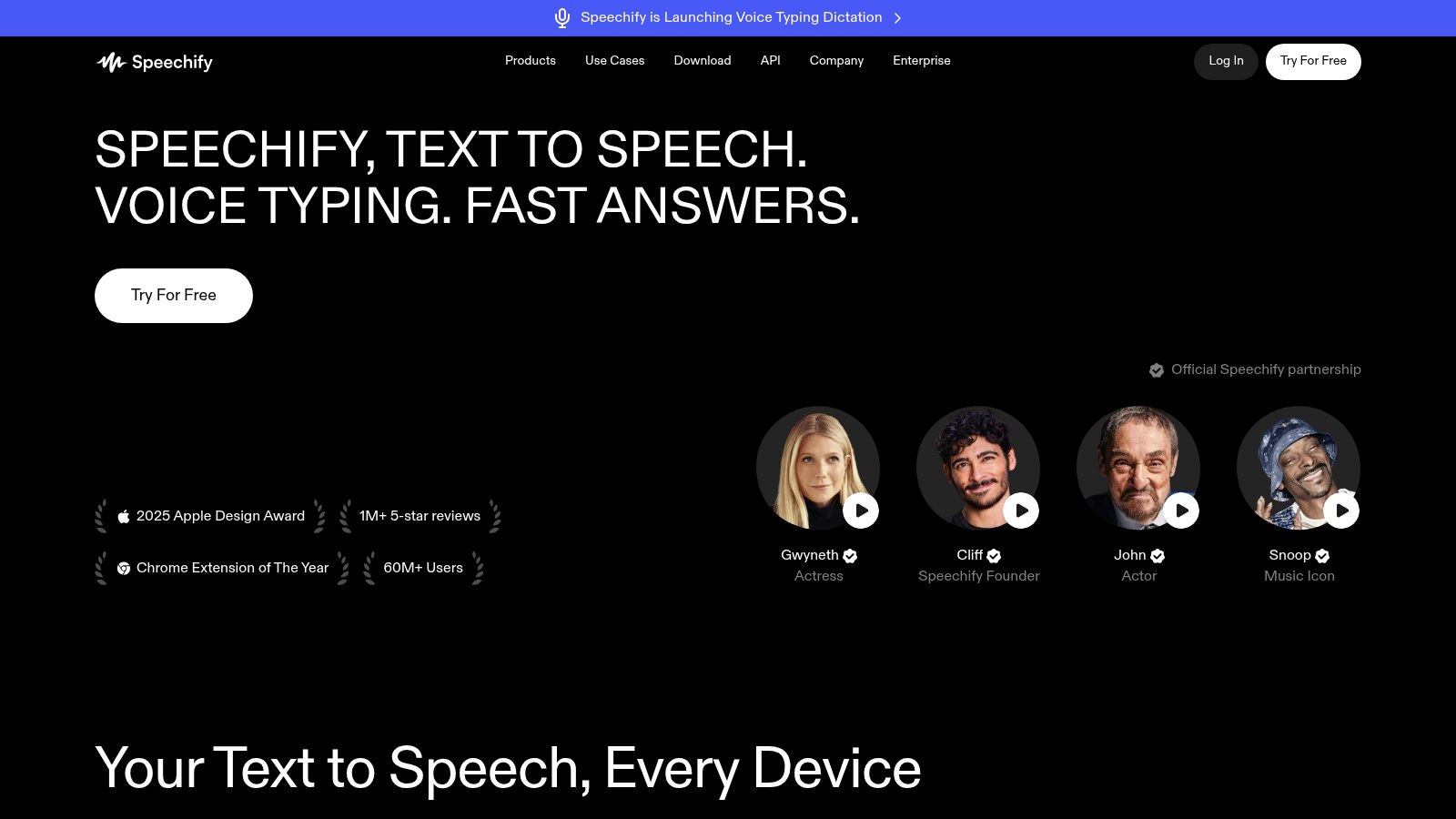
Speechify is the choice for reading across devices. Speechify reads web pages and documents through a web app, browser extensions, and desktop and mobile apps, with cross-platform syncing.
That combination suits readers who move between articles, PDFs, and study materials. The free plan covers core listening, but voice choices and speeds are limited, while premium features and the best audio quality require payment.
Choose It for Reading Continuity
- Best fit: Study, productivity, and listening across supported platforms.
- Free compromise: Restricted voices and playback speeds.
- Production caution: Don't assume a reading subscription includes downloadable commercial narration.
Accessibility is a substantive reason to evaluate spoken content, not just a convenience feature. In an October 2017 survey of 1,792 screen-reader users, 89.2% reported using a screen reader because of a disability, as documented in this website accessibility overview.
For aspiring bloggers, use the guide to creating a WordPress blog alongside an audible review of your draft. Check whether the introduction establishes the topic clearly and whether headings make sense when encountered in sequence.
Choose Speechify when a polished reading experience across devices is the priority. Choose a dedicated exporter when you need an audio asset for publication, and check that exporter's license rather than assuming personal listening rights cover commercial distribution.
Free Text-to-Speech Tools: Top 10 Comparison
| Tool | Core Capabilities | Experience & Quality | Best For | Price & Value | Standout Feature |
|---|---|---|---|---|---|
| NaturalReader Online | Reads text, PDFs, DOCX, and EPUB | ★★★★☆ Easy to use; quality voices | 👥 Casual listening and study | 💰 Free listening; exports and advanced features paid | ✨ Document library with highlights and notes |
| TTSReader | Browser-based text and article playback | ★★★★☆ Fast, no sign-in for basic use | 👥 Quick article listening | 💰 Free playback; exports and premium voices paid | ✨ Works across major browsers |
| ElevenLabs Text-to-Speech | Neural speech, multilingual tools, API | ★★★★★ Highly natural voices | 👥 Creators and developers | 💰 Free allowance; paid plans add capacity and commercial rights | 🏆 Voice design and cloning on paid tiers |
| PlayHT | Voice generation, previews, MP3 downloads | ★★★★☆ Broad voice selection | 👥 Users comparing voices and creators | 💰 Limited free previews; subscriptions expand use | ✨ 200+ public voices |
| VoiceMaker | Text-to-speech with speech controls | ★★★★☆ Adjustable and flexible | 👥 Users who want voice customization | 💰 Free tier; paid plans add capacity and usage rights | ✨ SSML, pitch, and speed controls |
| ttsMP3.com | Converts pasted text to MP3 | ★★★☆☆ Simple and quick | 👥 Short audio clips | 💰 Free with daily and character limits | ✨ MP3 download built into conversion |
| Text2Speech.org | Basic text playback and MP3 downloads | ★★★☆☆ Lightweight and straightforward | 👥 Basic, occasional conversions | 💰 Free for basic use; character caps apply | ✨ Minimal setup |
| Read-Aloud | Reads TXT, PDF, and DOCX; MP3 and SRT downloads | ★★★★☆ Quality depends on browser and device | 👥 Document listeners seeking free downloads | 💰 Free; no sign-up required | ✨ Uses browser-accessible speech engines |
| Narakeet (TTS Maker) | Multilingual TTS, audio, and narrated video | ★★★★☆ Production-oriented options | 👥 Video creators and voiceover users | 💰 Limited free capacity; commercial use requires paid plan | ✨ Creates narrated videos |
| Speechify | Reads web pages and documents across devices | ★★★★☆ Polished, cross-platform experience | 👥 Students and productivity-focused readers | 💰 Free core listening; premium features paid | ✨ Syncs across web, desktop, and mobile |
Choose the Free Speech Tool That Fits the Job
A tool that works for a quick listen may fall short when you need a polished, downloadable voiceover. Choose NaturalReader, TTSReader, or Speechify for listening and study. For production, use PlayHT for downloadable auditions, VoiceMaker for delivery controls, and ttsMP3.com for short MP3 conversions. Consider ElevenLabs or Narakeet for higher-fidelity narration, but check licensing, account requirements, and usage limits before committing.
Read-Aloud fits document listening when downloadable outputs matter; Text2Speech.org covers basic conversions. The top TTS tools for creators offers another comparison, but test your own script and confirm that the required export is available on the free plan.
Test the Workflow, Not Just the Voice
Before generating a final file, check pronunciation, punctuation, pauses, language accuracy, and export format. Confirm whether attribution or an account is required, and review commercial rights and rules for redistribution, sensitive content, and uploaded text. Save a reviewed transcript with the finished audio.
Voice cloning requires a separate consent check. The discussion of nonconsensual voice-cloning risks explains why identity and permission matter beyond ordinary plan comparisons. For routine narration, choose a licensed stock voice rather than imitating someone without permission.
For a WordPress listening feature, test how quickly playback starts on mobile connections. A 2025 speech-service latency benchmark measured median end-to-end responsiveness of approximately 0.4–1.8 seconds for cloud services including GTTS and EdgeTTS. Test time to first audio yourself, then consider short chunks, streaming, or pre-generated files if playback feels slow.
Build a Focused Free Toolkit
Keep your workflow tied to the audio task. Pair TTSReader for draft listening with ttsMP3.com for short MP3 exports. Use Read-Aloud when you need to listen to documents and download outputs. Before publishing commercial narration, check the licensing terms for ElevenLabs or Narakeet and confirm that the free tier covers your intended use.
Treat software downloads as a separate acquisition question, and verify legitimate distribution before installing anything. For research, Google Keyword Planner requires Google Ads setup and campaign creation. Apply the same scrutiny to free speech tools: access does not guarantee unrestricted exports or commercial rights.
Choose the service that gives you an acceptable voice, the export you need, and clear permission for your use. Move to a paid plan when your project exceeds the free tier, after checking its limits rather than building around assumptions.
Read More Info publishes informational posts for general readers, with search and RSS options for finding articles and following updates. Visit Read More Info for practical reading as you choose a speech tool, prepare your next post, and build your content workflow.