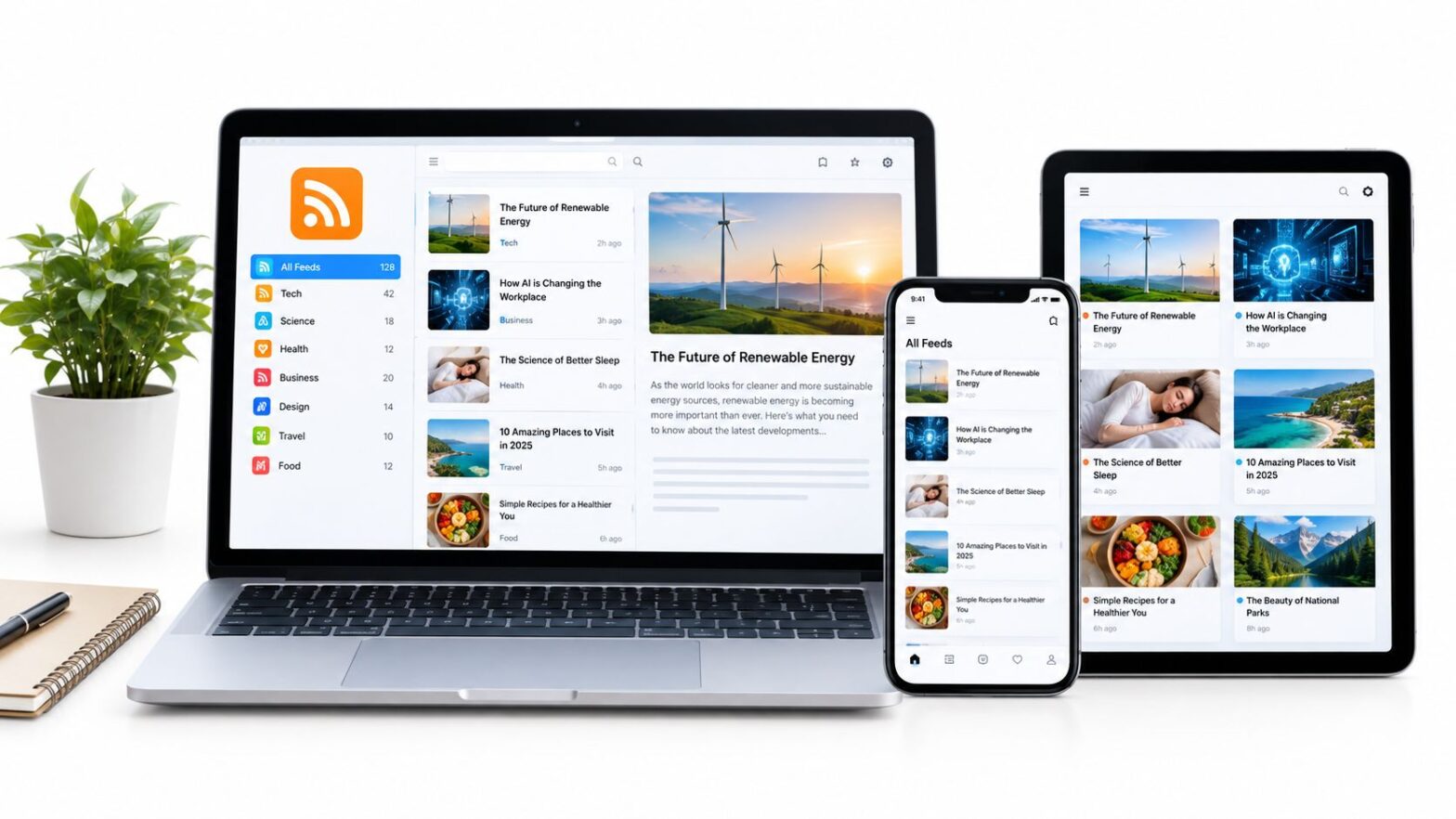
There's no single best free RSS reader. Feedly or Inoreader fits hosted reading, while NetNewsWire, FreshRSS, or Fluent Reader suits readers seeking a local app or more control. RSS has several competing formats, but its practical advantage is straightforward: updates from different sites appear in one place. RSS's history helps explain why readers can handle feeds from many publishers.
Judge a free reader by how it handles one task: following Read More Info's posts feed and comments feed. Check that both update reliably and that you can keep up across your usual devices. Feed limits, refresh timing, and sync can shape that experience, so test them before settling on a reader.
Table of Contents
- What Actually Matters in a Free RSS Reader
- 1. Feedly
- 2. Inoreader
- 3. NewsBlur
- 4. Feeder
- 5. The Old Reader
- 6. FreshRSS
- 7. NetNewsWire
- 8. CommaFeed
- 9. Fluent Reader
- 10. FeedBro
- Top 10 Free RSS Feed Readers Compared
- Pick One Reader and Subscribe Today
What Actually Matters in a Free RSS Reader
Start with the size of your reading list. If you're following a handful of sites, a modest free-plan limit may never matter. If you're collecting blogs, publications, and reference sources, check the subscription cap before importing an existing OPML file. A reader can feel generous at signup and still become inconvenient once you've organized sources around work, hobbies, and news.
Device sync is the next practical test. A hosted service can keep the same subscriptions and read state available on web and mobile, but usually requires an account. A local app may avoid that account, yet leave you without shared unread status unless you connect a compatible sync service. If you read on more than one device, test whether marking a post read on one updates the other.
Privacy depends on the reader, not on RSS itself. A local reader keeps more of your reading activity on your device; a self-hosted service gives you control over where it runs, but puts maintenance and backups in your hands. Hosted readers are easier to start, though you should check account requirements, data policies, and whether you can export your subscriptions.
Practical rule: Add both Read More Info feeds before committing. The posts feed tests article updates, while the comments feed reveals whether the reader handles discussion activity clearly too.
1. Feedly
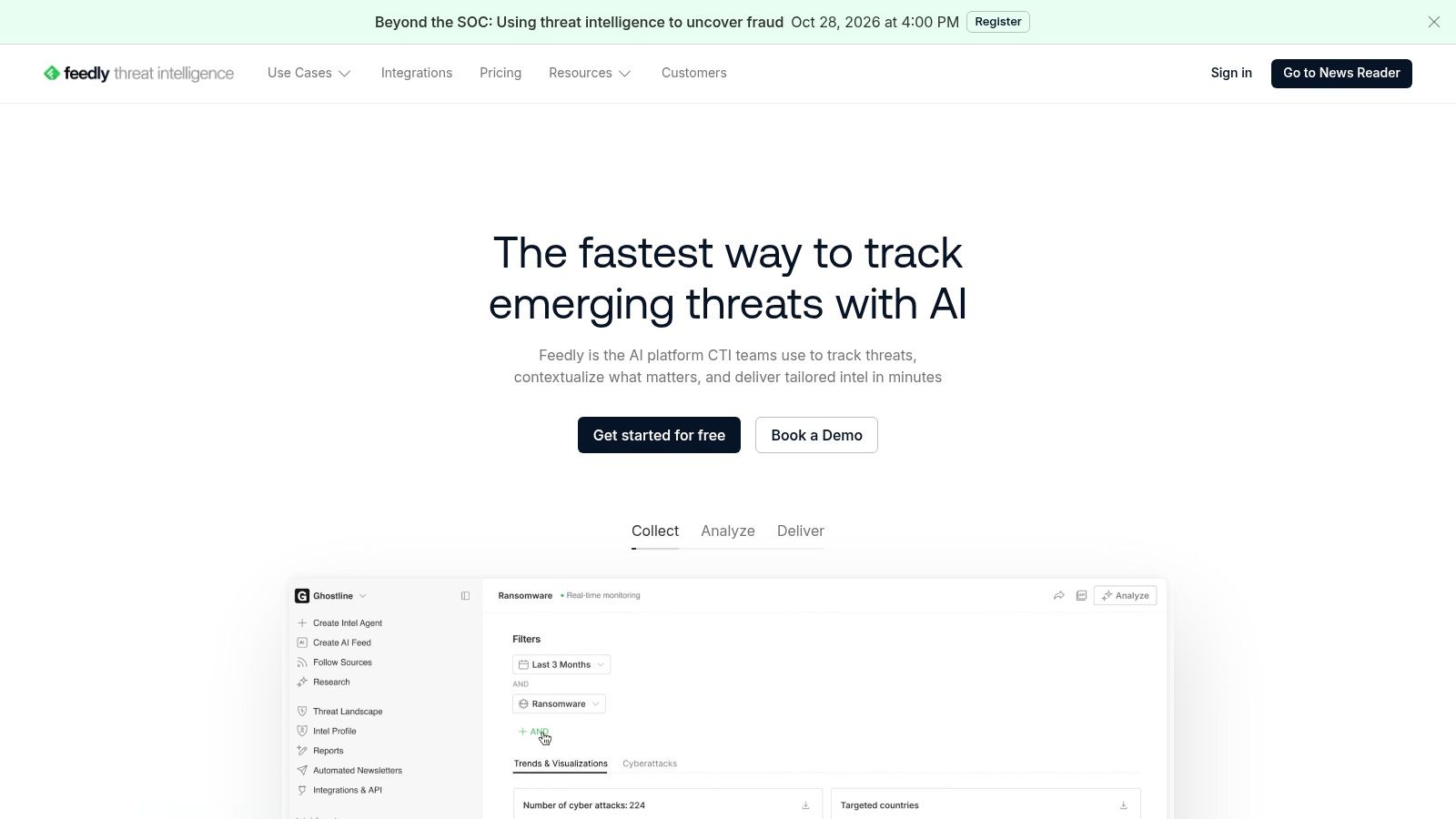
Feedly is a good starting point if you want to subscribe without managing a server or learning much about feed formats. You can search for sources, enter a website address, or choose curated bundles. Feedly can often locate a site's feed from its address, which makes adding a WordPress publication such as Read More Info less fiddly than hunting down an XML endpoint yourself.
Its hosted web and mobile apps keep the experience familiar across devices. You can group sources into collections, so the posts feed and comments feed don't have to sit in one undifferentiated stream. If you're new to feeds, that approachable setup is more useful than an unusually long list of settings. Read More Info's guide to what RSS readers do offers a straightforward primer.
The trade-off is that Feedly's free plan has source and feature limits. Advanced research and AI features belong to paid plans, so don't choose it expecting a free monitoring system for a large, complex reading operation. For ordinary blog reading, though, it's an easy first test: add both feeds, create a collection, and see whether the reading flow feels natural.
Best for: Beginners who want a polished hosted reader and convenient web/mobile access.
Watch for: Limits on the free plan if your feed list grows or you need advanced tools.
2. Inoreader
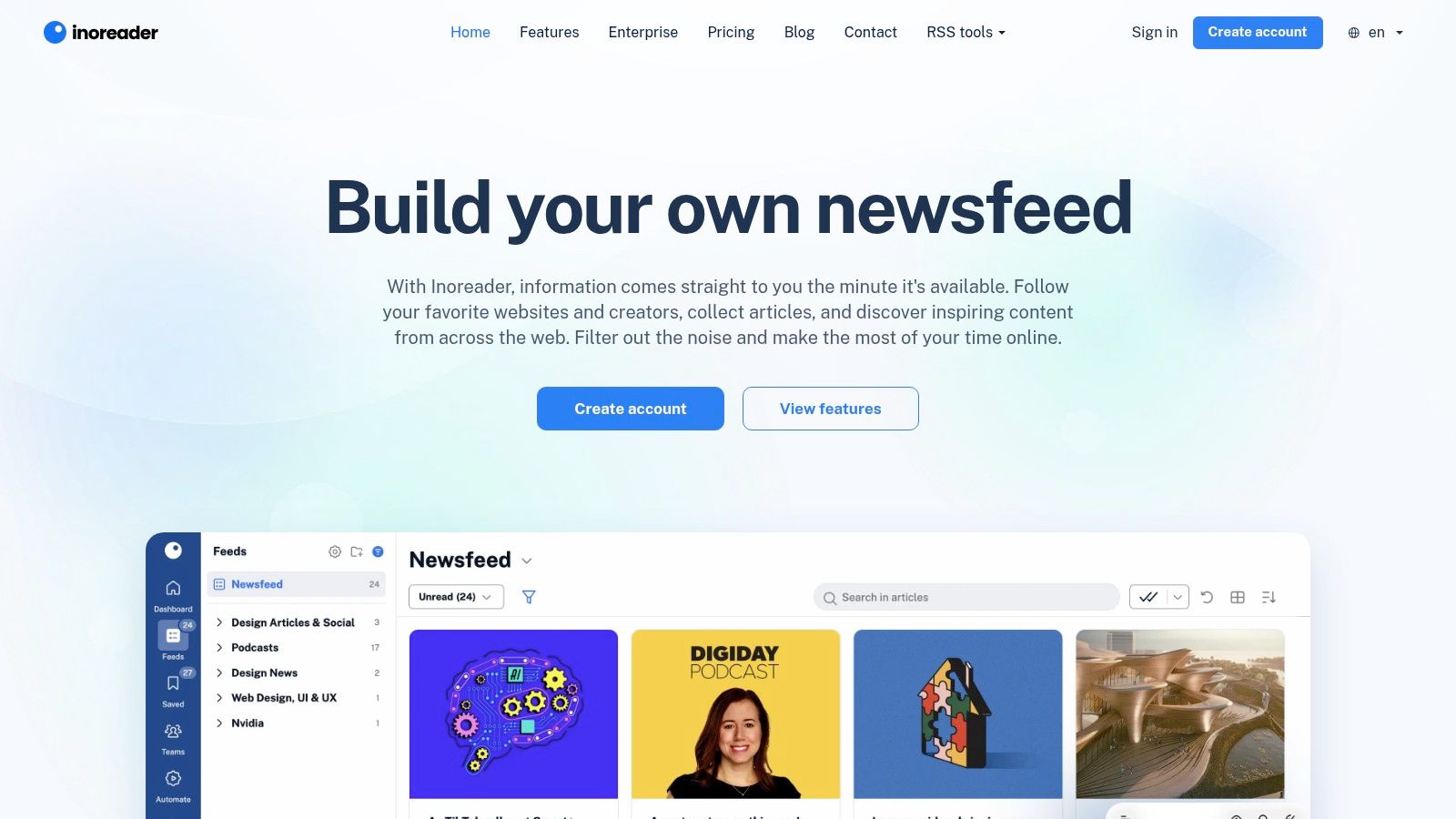
Inoreader is a stronger fit when you want to do more than skim incoming headlines. Its free plan supports up to 150 RSS subscriptions, along with search across collected articles and Google News alerts. Folders help keep a growing list manageable, and the reading view can be customized for a less crowded feed.
That search is particularly handy if you remember reading a Read More Info post but can't recall when it appeared. Add the posts feed and comments feed, file them into a folder, and search the collected material rather than opening each item one by one. Readers who want to track information more systematically may find this more useful than a stripped-down reader. If Android is your primary reading device, see Read More Info's guide to the best feed readers for Android.
The interface has more options than a bare-bones reader, which is both its advantage and its cost. A casual reader may need time to find the settings that matter, and more advanced automation, monitoring, and customization require a paid plan. But for a hosted free reader with a relatively broad subscription allowance and article search, Inoreader is one of the practical choices.
Best for: Readers who want folders, search, and more room to organize sources.
Watch for: A busier interface and paid upgrades for advanced monitoring or automation.
3. NewsBlur
NewsBlur takes a more active approach to filtering what appears in your reading stream. Its free tier supports up to 64 sites, and its Intelligence Training can emphasize or de-emphasize stories based on authors, tags, and titles. That can help if a publication covers several topics and you're more interested in some than others.
You can follow websites, blogs, and RSS feeds through the web interface or native iOS and Android apps. For the Read More Info test, subscribe to both feeds and see whether the filtering controls improve your routine or just create extra setup. If you mainly want every post and comment update in chronological order, the training features may matter less than a clean unread list.
The main limit is clear: the free plan caps the number of sites, and some search and archive features sit behind paid plans. That makes NewsBlur better for a deliberately curated set of sources than an ever-expanding archive. Its filtering tools are the draw, not an unlimited free monitoring workflow.
Best for: Readers who want to shape which stories stand out.
Watch for: The site limit and paid access for some search and archive functions.
4. Feeder
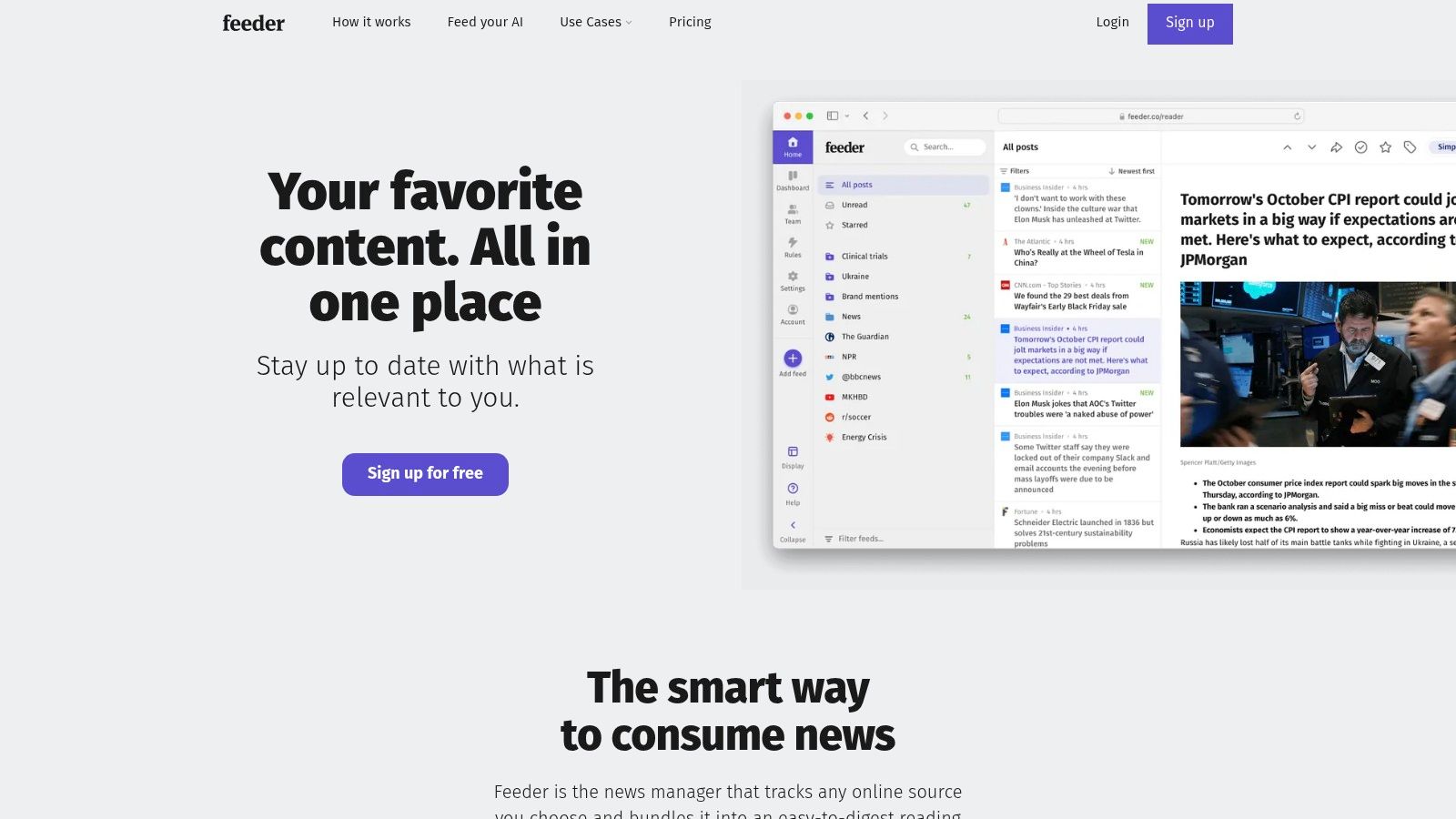
Feeder offers a generous starting point for people who follow a lot of sources: its free plan supports up to 200 feeds and is described as ad-free. You can add sources using a website or feed address, then read through the web interface or use its browser extension and mobile options.
For the Read More Info workflow, the hosted account makes it possible to access associated feeds across supported devices. That convenience has a clear dependency: syncing relies on Feeder's hosted service and account. If your priority is keeping subscriptions local or avoiding a login, this isn't the most suitable choice.
The browser extension is useful when you discover a site while browsing and want to follow it without interrupting what you're doing. Still, don't confuse a high free feed allowance with every feature being free. Advanced tools and monitoring may require a paid plan. If your needs are ordinary reading across a sizeable list, Feeder's capacity and ad-free free plan make it worth testing.
Best for: Readers who want a hosted account, browser integration, and a sizable feed list.
Watch for: Account dependence for syncing and paid access to some advanced capabilities.
5. The Old Reader
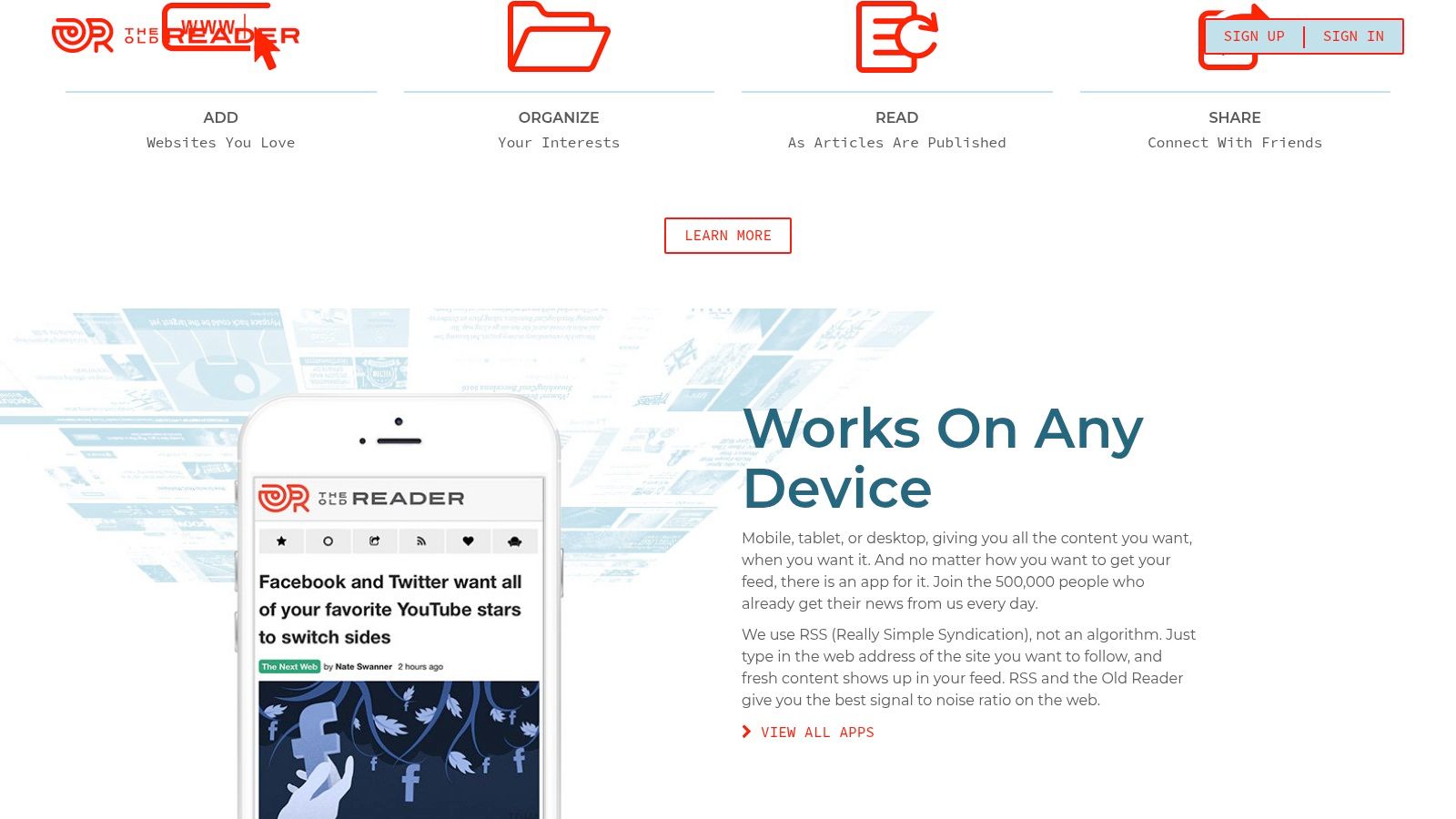
The Old Reader sticks to familiar RSS basics: subscribe, sort feeds into folders, and read from a browser-based interface. You can add a website or direct feed URL, and importing an OPML file makes it easier to move subscriptions from another reader. That portability matters if you're testing several options rather than choosing a permanent home immediately.
The reader suits people who want a conventional feed list instead of a broader research or monitoring workspace. Add Read More Info's posts and comments feeds, keep them together in a folder, and check whether its straightforward organization is enough for your daily reading.
There are meaningful free-account limits. Unread-post retention and the number of posts stored per feed are restricted, refresh timing can vary, and faster updates are a paid benefit for some feeds. Those limits may not disrupt occasional reading, but they matter if you rely on the reader to preserve a backlog or surface updates quickly. Export your OPML file before switching, and don't treat an unread queue as your only archive.
Best for: Readers who want familiar RSS features and a simple way to import subscriptions.
Watch for: Retention limits and variable refresh timing on free accounts.
6. FreshRSS
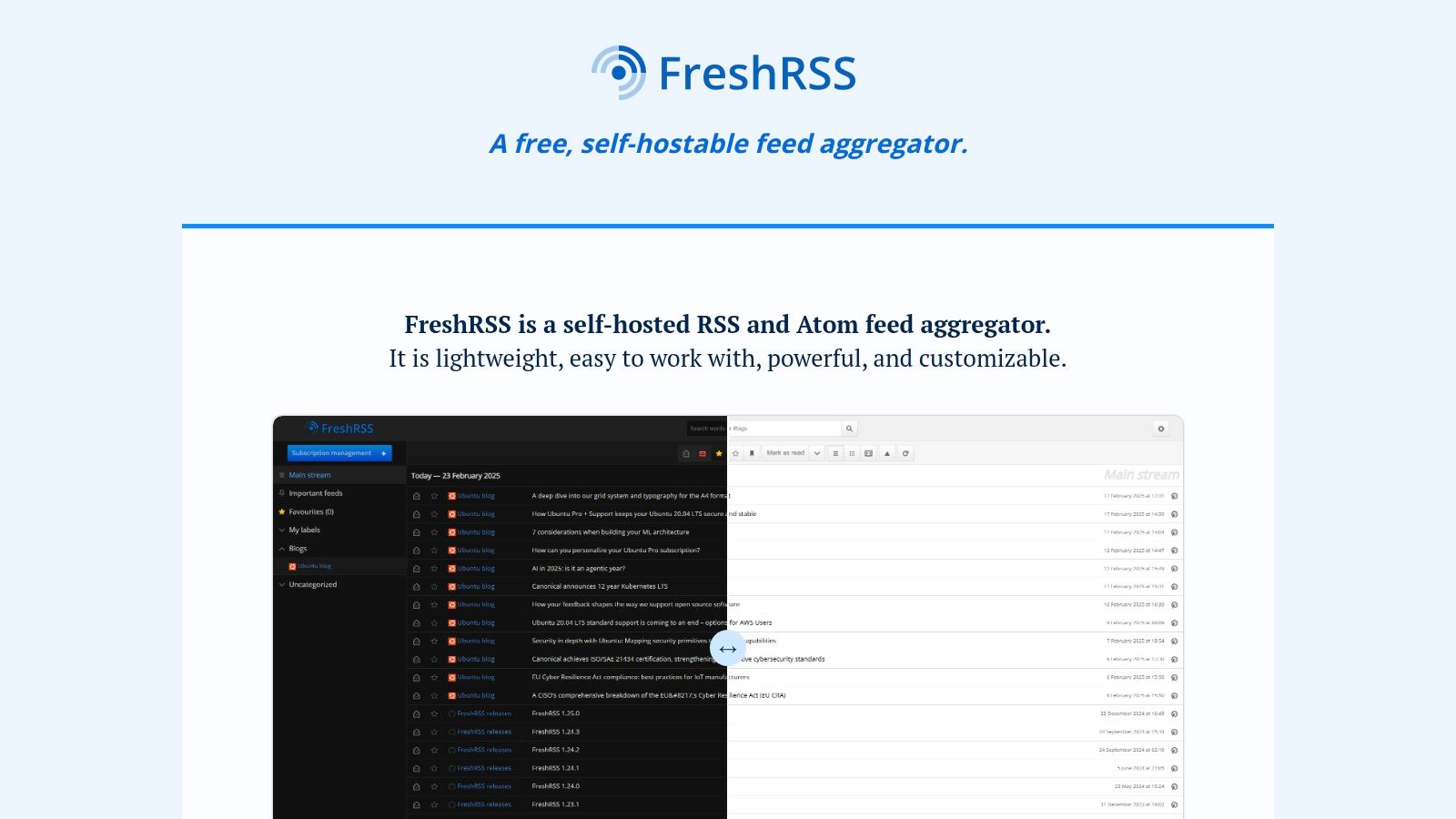
FreshRSS is free, open-source software that you install on your own server. That changes the meaning of “free”: there's no software subscription to pay for, but you're responsible for hosting, setup, maintenance, and backups. If you already manage a server and want more control over feed data, that trade may be worthwhile. Community-hosted instances are another possibility, though their policies and reliability depend on whoever runs them.
FreshRSS supports RSS and Atom, OPML import and export, search, saved queries, extensions, and themes. Its support for feeds from podcasts and video channels makes it more flexible than a blog-only inbox. Subscribe to Read More Info's post and comments feeds, then use a compatible mobile client if you want to read away from the browser.
The privacy benefit depends on your deployment and how you maintain it. Self-hosting can give you more control over where subscriptions and reading history are stored, but a neglected server or missing backup undermines that control. For users who want maximum say over data custody, FreshRSS is a capable option; for people who want instant setup and no upkeep, a hosted reader is easier.
Best for: Technically comfortable readers who want an open-source, self-hosted reader.
Watch for: Server setup, maintenance, and backups remain your responsibility.
7. NetNewsWire
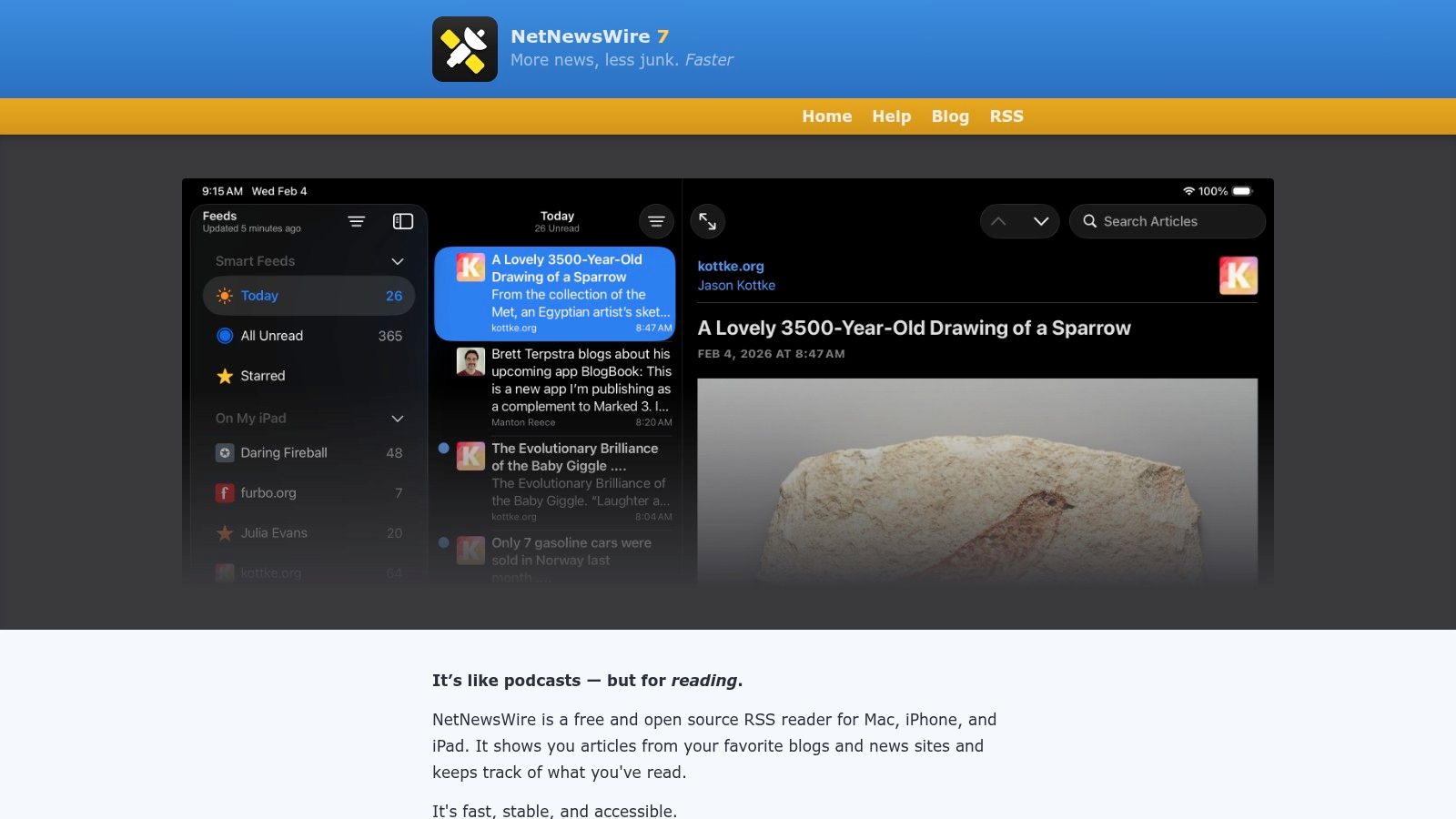
NetNewsWire is a free, open-source reader for Mac, iPhone, and iPad. It's a focused app rather than a hosted web service, and it can download feeds directly or sync through supported services. For Apple users who want to open a dedicated reader and get on with reading, that simplicity is a real advantage.
Its folders, search, starred articles, and OPML import and export cover the everyday workflow. Reader view, dark mode, and keyboard navigation offer useful ways to read without turning the app into a monitoring dashboard. Add Read More Info's two feeds and check whether direct downloading suits you before linking any sync service.
The main constraint is platform support: NetNewsWire is for Apple devices. Direct feed downloading can avoid the need for an account with a sync provider, but keeping multiple devices aligned may require a compatible service and its account. That's a reasonable trade if you'd rather use a free native app than rely on a hosted reader for everything.
Best for: Apple users who want a free, focused native app.
Watch for: Cross-device syncing may require a compatible service account.
8. CommaFeed
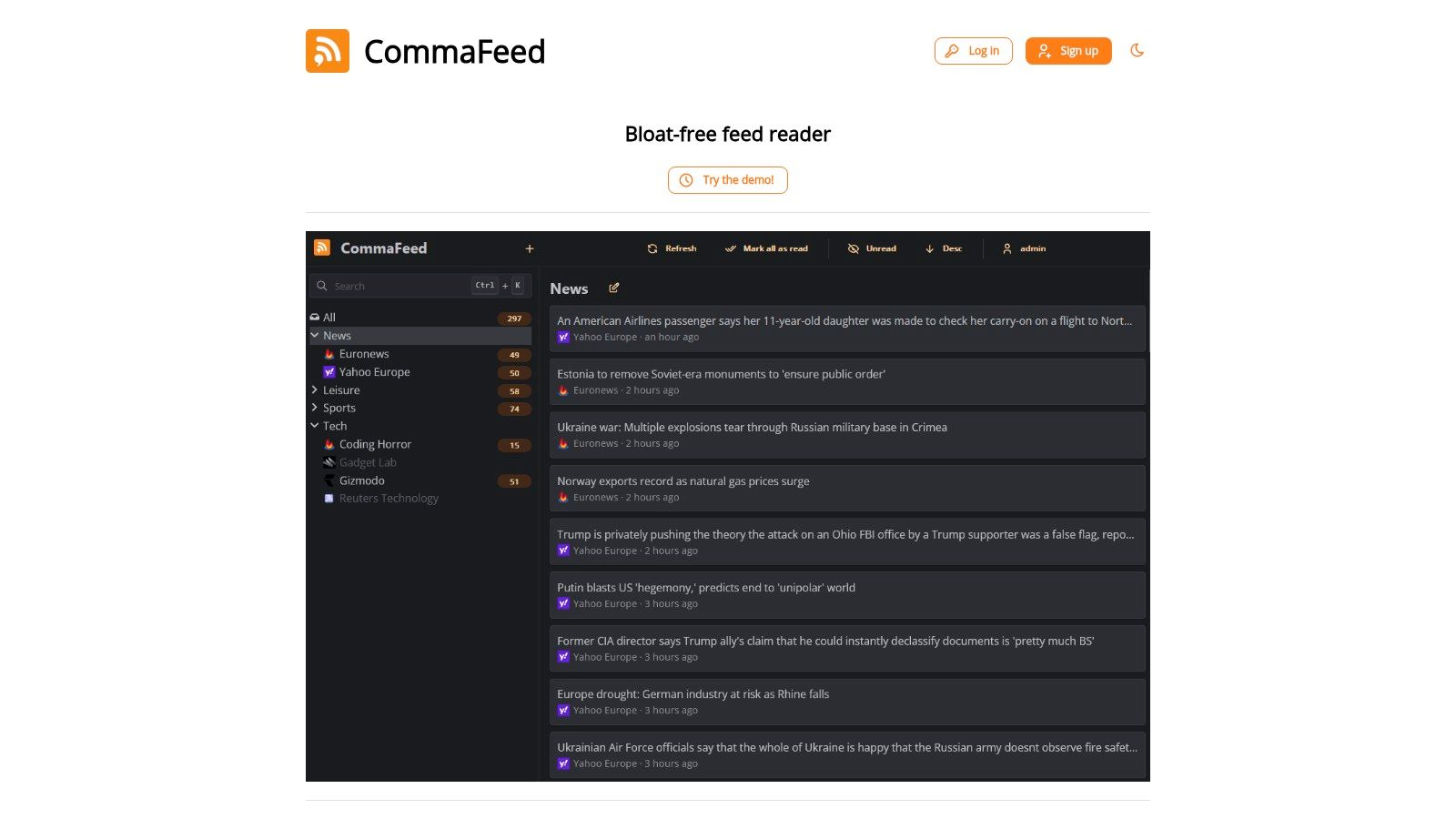
CommaFeed gives you two routes: use its free public reader or self-host the open-source software. Its responsive web layout works across desktop and mobile browsers, and multiple layouts, themes, and keyboard shortcuts let you adapt the reading experience without installing a native app.
OPML import and export help with migration, while REST, Fever-compatible, and Google Reader-compatible APIs support integrations and third-party clients. For the Read More Info test, add the posts and comments feeds to the public reader first. If you later decide you want control over where the service runs, self-hosting provides that option.
That flexibility comes with distinct trade-offs. Using the public instance means trusting a third-party host with your subscriptions and reading activity. Self-hosting shifts responsibility to you, including the technical work of deployment and upkeep. CommaFeed is appealing when you want an open-source option and can make an informed choice between convenience and control.
Best for: Readers who want a responsive browser reader with a self-hosting path.
Watch for: The public service is third-party hosted, while self-hosting takes technical effort.
9. Fluent Reader
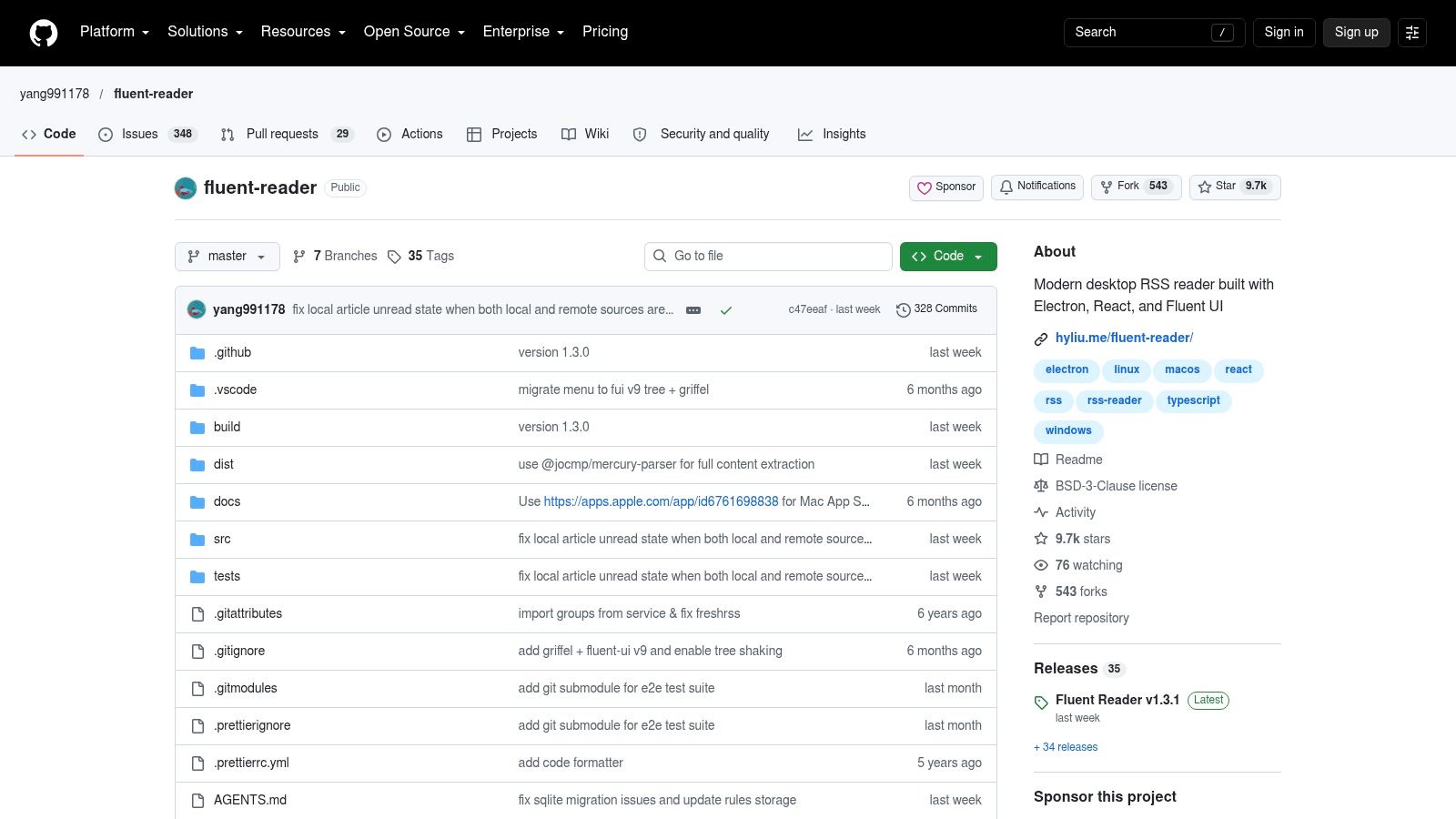
Fluent Reader is a free, open-source desktop reader for Windows, macOS, and Linux. You can read feeds locally or connect to supported services, including Inoreader, Feedbin, The Old Reader, and services using Fever or Google Reader-compatible APIs. That makes it a useful middle ground between a local app and a synced setup.
Its built-in article view, search, filters, dark mode, and customizable layouts give you control over how a reading list looks. OPML import and export help move subscriptions in and out, while application-data backups give you another way to preserve your setup. Add Read More Info's two feeds locally to begin; connect a supported service if you need shared reading state across devices.
Fluent Reader is primarily a desktop option, not a complete hosted service. Its cross-device sync depends on the RSS service you connect, so choosing the app alone doesn't solve synchronization. If you spend most of your reading time on a computer and want a configurable interface without paying for the app, it's a strong fit.
Best for: Desktop readers who want local reading plus optional service syncing.
Watch for: Sync depends on a supported service, and the app isn't a full web reader.
10. FeedBro
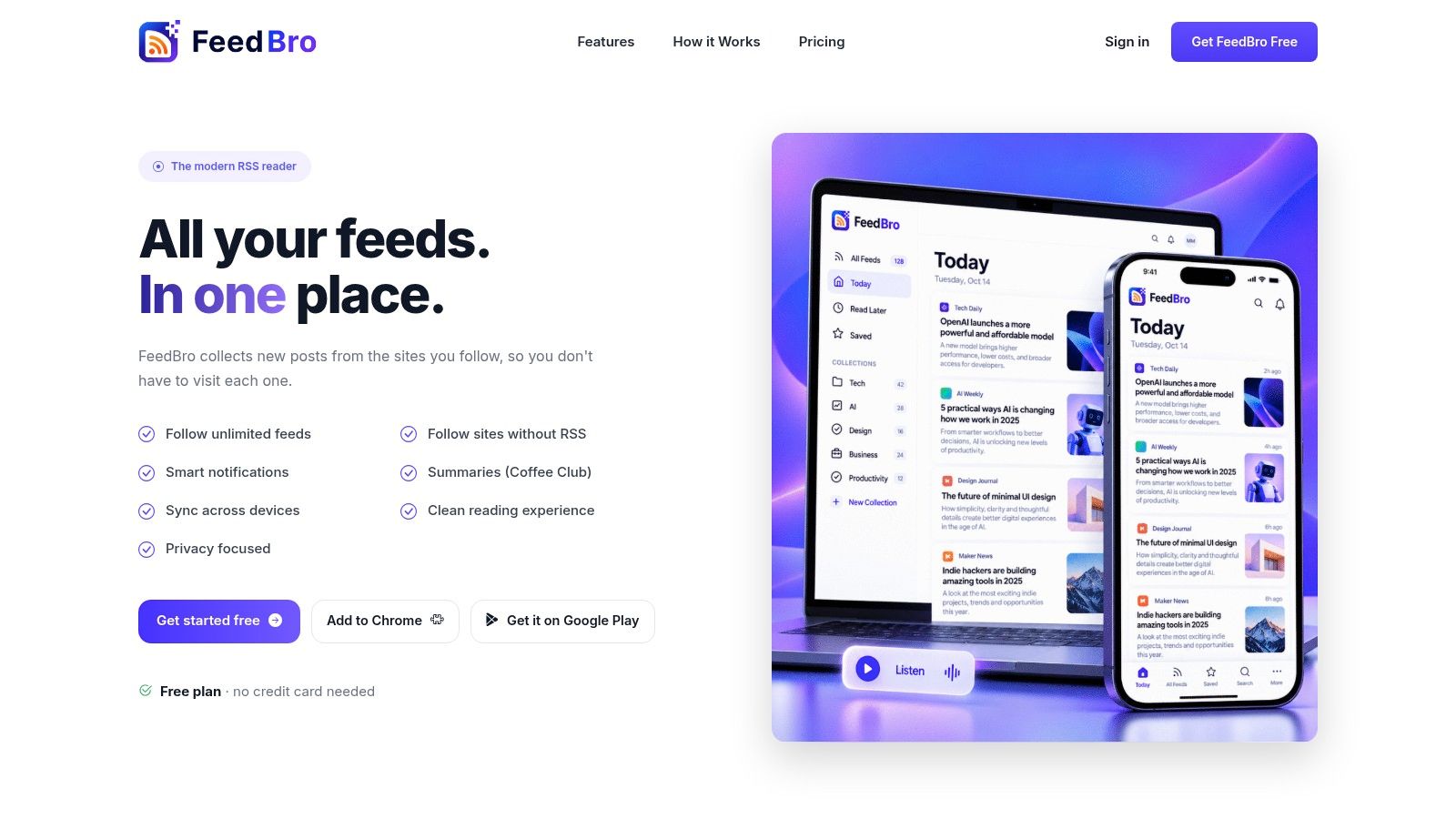
FeedBro is built around browser-based reading, with extensions for Chrome and Firefox, a web reader, and an Android app. The free plan supports up to 50 feeds and 10 collections, and includes basic search, saved articles, and a reading view. It can display full article text in the reader, which is handy when you'd rather stay in one interface. For a Firefox workflow, Read More Info's guide to a Firefox feed reader is a useful companion.
The browser extension makes adding a site feel direct: find something worth following and manage it from the browser rather than switching to a separate discovery process. You can test the posts and comments feeds together, save articles, and see whether collections keep them distinct enough for your routine.
The free website plan includes small ads, and feed and rule limits may constrain a larger setup. The paid Coffee Club plan removes ads and raises limits. FeedBro is best judged as a convenient browser-centered starting point, not as a completely unrestricted service. If you prefer a desktop application or want account-free local reading, Fluent Reader or NetNewsWire may suit you better.
Best for: Browser users who want extensions, saved articles, and a reading view.
Watch for: Free-plan limits and small ads on the website.
Top 10 Free RSS Feed Readers Compared
| RSS Reader | Access & Platforms | Key Features | Best For | Free Plan & Value | Standout Point |
|---|---|---|---|---|---|
| Feedly | Hosted; web and mobile | Source discovery, collections, curated bundles | 👥 Beginners wanting simple setup | 💰 Free with source and feature limits; paid tools available | ✨ Polished, easy-to-use experience ★ |
| Inoreader | Hosted; web and mobile | Folders, article search, news alerts, reading customization | 👥 Readers managing larger collections | 💰 Free for up to 150 subscriptions; advanced tools are paid | 🏆 Strong free search and organization |
| NewsBlur | Hosted; web and mobile | Feed aggregation, story filtering, Intelligence Training | 👥 Readers who want to prioritize stories | 💰 Free for up to 64 sites; search and archives are paid | ✨ Train story preferences |
| Feeder | Hosted; browser and mobile options | Feed discovery, browser extension, cross-device sync | 👥 People following many sources | 💰 Free for up to 200 feeds; described as ad-free | 🏆 High free feed allowance |
| The Old Reader | Browser-based; compatible third-party apps | Folders, direct feed adding, OPML import | 👥 Readers wanting familiar RSS basics | 💰 Free core service; storage and refresh limits apply | ✨ Easy OPML migration |
| FreshRSS | Self-hosted; mobile and third-party clients | RSS/Atom, search, saved queries, extensions | 👥 Technical users wanting data control | 💰 Free, open source; hosting and maintenance are your responsibility | 🏆 Flexible self-hosting |
| NetNewsWire | Apple devices: Mac, iPhone, iPad | Search, folders, reader view, OPML, sync options | 👥 Apple users preferring a dedicated app | 💰 Free and open source | ✨ Focused Apple-native reading |
| CommaFeed | Public web reader or self-hosted | Themes, layouts, OPML, APIs, keyboard shortcuts | 👥 Readers seeking open-source options | 💰 Free public instance; self-hosting available | ✨ Compatible APIs and responsive design |
| Fluent Reader | Desktop: Windows, macOS, Linux | Search, filters, themes, local reading, service sync | 👥 Desktop users wanting layout control | 💰 Free and open source | ✨ Local reading plus optional sync |
| FeedBro | Browser extensions, web reader, Android | Search, saved articles, full-text view, collections | 👥 Browser-first readers | 💰 Free for up to 50 feeds and 10 collections; paid plan removes ads and raises limits | ✨ Browser integration and article view ★ |
Pick One Reader and Subscribe Today
Choose the reader that fits the way you want to follow Read More Info's post feed and comments feed. Feedly or Inoreader suits readers who want hosted access across devices. Feedly is simpler to start with; Inoreader offers stronger search and organization, though its interface is busier. NetNewsWire is a focused, free option for Apple users, but syncing across devices may require a compatible service.
For more control over where subscriptions are stored, consider FreshRSS or CommaFeed. Both support self-hosting, which gives you control while leaving deployment and upkeep to you. FreshRSS suits people comfortable maintaining a server. CommaFeed also has a public reader, letting you try its interface without setting up hosting. Fluent Reader fits desktop users who want a configurable local client and can connect it to a supported service for syncing.
Test the two-feed workflow before settling on a reader. Add the post and comments feeds, then check whether new articles and discussion updates are easy to distinguish. If you read on more than one device, mark an item as read on one and see whether its status updates on the other. Hosted convenience can simplify access, while account requirements and data policies may matter more if privacy is your priority.
Once your subscriptions are organized, export an OPML backup. It keeps your feed list portable, so switching readers does not require adding every subscription again. The export preserves subscriptions and their organization, but may not include saved articles or your full reading history. Test with the actual feeds rather than choosing from feature lists alone.
Read More Info publishes general-interest WordPress articles and provides open feeds for posts and comments. Following both lets you keep up with new articles and discussion without checking the site manually. Keep the reader that handles the feeds clearly, syncs as you expect, and fits your devices and privacy preferences.
Visit Read More Info to explore the site and choose a reader for following its updates.