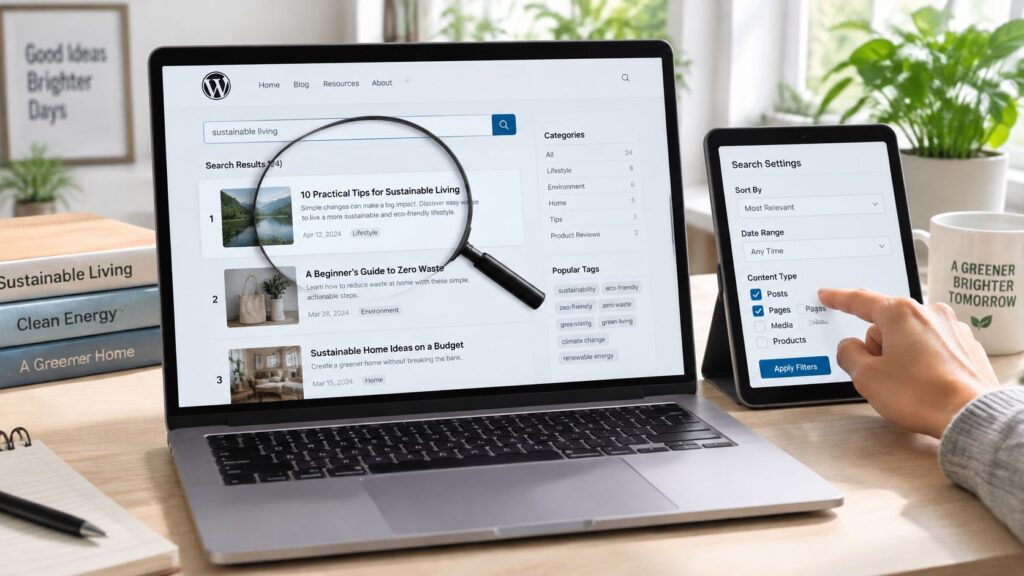
Site Search
A search box is one of the most useful features a website can offer. Visitors who search usually know what they want, so a good search result is often the quickest route to a sale, an answer or a return visit. A poor one sends them back to Google, or away from the site entirely.
This guide explains how site search works on a typical WordPress site, why the default version often disappoints, and what you can do to make results more relevant. It is written for site owners who want their visitors to find things without a lot of guesswork.
HOW SEARCH WORKS ON WORDPRESS
WordPress includes a basic search that looks for the words you type in post titles and content. When a visitor searches, the address changes to include the search term, and the results page lists matching posts. This is enough for small sites, but it has clear limits. It does not understand synonyms, it is not forgiving of spelling mistakes, and results are often sorted by date rather than by how well they match.
Knowing these limits helps you decide what to improve. Most problems come from the content itself, such as vague titles, missing keywords or pages that never describe their topic in plain language.
WHAT TO FIX FIRST
Start with the content. Give each page a title that says what it is about, and use the words a visitor would type. A post called Notes on the new plan is hard to find. A post called How to change your subscription plan is easy to find, both for visitors and for search.
Next, check what the search results page shows when nothing matches. A helpful empty state suggests alternative spellings, links to popular pages and a clear way to try again. A bare message saying no results were found leaves visitors stuck.
IMPROVING RELEVANCE WITH PLUGINS
If the default search is not good enough, a search plugin can help. Some options index the content more thoroughly, weight titles above body text, handle misspellings, or let you define synonyms. Free and paid versions exist, and the free versions are often enough for a small site. Before you install one, check its update history, read recent reviews, and test it with real searches from your own site.
Be careful about adding too many search features at once. Each plugin adds complexity, and a search that is fast and simple is often better than one that is clever but slow.
LEARNING FROM WHAT VISITORS SEARCH FOR
The most valuable part of site search is the record of what people type. Look at the most common searches and check whether they return useful results. Searches that return nothing point to missing content. Searches that return the wrong pages point to unclear titles. Over time, this list shows you what your visitors want, which can guide what you write next.
Keep privacy in mind. Search terms can reveal personal information, so review what your analytics or search tool stores, and keep the data no longer than you need it.
COMMON MISTAKES
– Relying on the default search without testing it with real questions.
– Using vague titles that do not match what visitors search for.
– Installing several search plugins that conflict with each other.
– Ignoring searches that return no results.
– Storing search logs indefinitely without a clear reason.
FREQUENTLY ASKED QUESTIONS
Do I need a search plugin?
Not always. A small site with a clear structure may be served well by the default search. Consider a plugin when visitors regularly fail to find content that exists.
Why does my search return older posts first?
The default sorting often favors date over relevance. A search plugin or a custom results order can change that, but first check whether the newest posts are the best match.
Can search help my SEO?
Indirectly. Search does not directly affect rankings, but it reveals the words your visitors use, and clearer content and internal links help both visitors and search engines.
Site search works best when it is treated as part of the content strategy, not as a bolt-on feature. Fix the titles, test the empty results, learn from real queries, and only then add tools. Visitors notice when a site makes finding things easy.
GO DEEPER: OUR SITE SEARCH GUIDES
– Site search WordPress: setup, plugins and relevancy tips
– Site search best practices for WordPress
– Understanding the site search function on WordPress
– Search site for word